
If you are just about to start your graphic design journey, choosing the right laptop should matter a lot for you at this stage. To choose the best laptop for graphic design, you need to balance every component, from a larger display with accurate colors to better thermal management that doesn't overheat under stress. Additionally, heavy-resource-ready RAM and fast NVMe storage equally play a vital role in quickly loading and processing your projects. For remote designers and freelancers who frequently need to visit their clients' space for showing work, choosing a suitable laptop with reliable battery life is also a must.
Table of Contents
- How a Graphic Designer’s Journey Might Be
- Top 5 Laptops for Graphic Designers in 2026
- MacBook Pro M5 - Pro Performance for Graphics
- ASUS ROG Strix G16 - Ultimate Pro Graphic Power
- HP Victus 15-fa1393TX - Fast Rendering Creative Laptop
- Lenovo LOQ 15IRX9 - Best Value Laptop For Multi-App Designing
- Lenovo LOQ 15IAX9E - Best Budget Laptop for Amateur Creators
- Comparison Specs for Top Graphic Design Laptops in BD
- What to Look for in a Graphic Design Laptop
- Mac vs. Windows for Graphic Design
- The Verdict
- Common Mistakes to Avoid
- Where to Buy Graphic Design Laptops in Bangladesh
How a Graphic Designer’s Journey Might Be
Unlike other users, a graphic designer needs a comparatively high-end device like a gaming laptop. Because most of their tasks are highly graphics-intensive. Some of the very common graphic design tasks include logo design, banner design, 3D rendering, and other creative projects. So, before considering any laptop best for graphic design, you should make sure that it can help you work smoothly on these tasks as well as give you a workstation-level experience with better portability.
Besides, there will be tight deadlines set by your clients, and then it should keep up with you without any issues. Now, let’s explore the best laptops for graphic designing in today’s blog to find the perfect device for your creative needs and budget.
Top 5 Laptops for Graphic Designers in 2026
MacBook Pro M5 - Pro Performance for Graphics
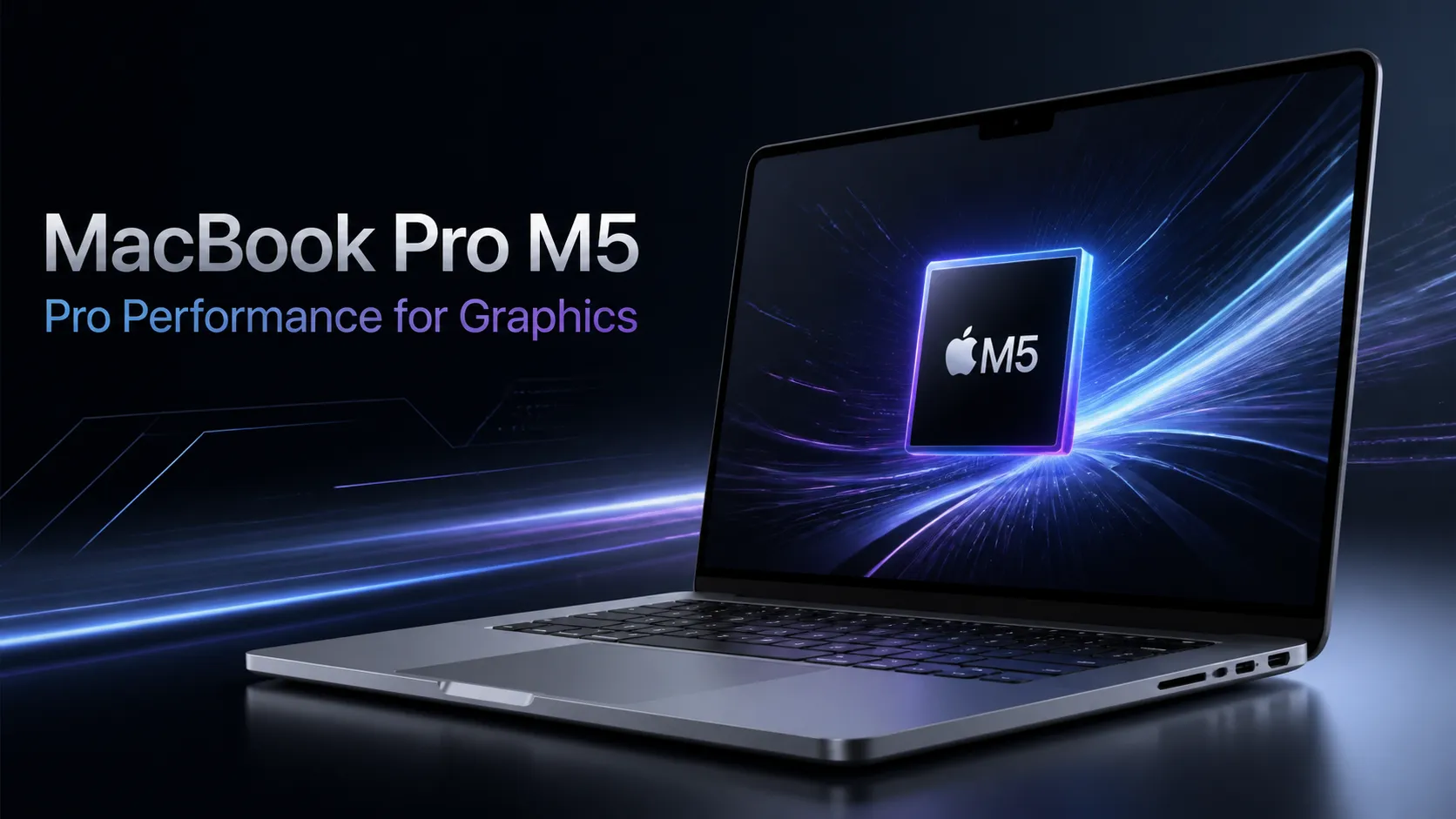
The MacBook Pro M5 is an excellent choice for graphic designers who demand power and precision. Its Apple M5 chip features a 10-core CPU and 10-core GPU that can deliver smooth performance in Adobe Creative Suite and design software. The stunning 14.2-inch Liquid Retina XDR display of this Apple MacBook offers accurate colors you can’t imagine. Considering this, we can bet you this is the best MacBook for graphic design.
You will notice amazing details with ProMotion technology up to 120 Hz. With 16GB RAM and 512GB SSD storage, multitasking in this MacBook PRO M5 is truly effortless for most designers. Its lightweight design, long battery life, and advanced thermal management make this the best laptop for graphic design tasks from our list. Especially perfect for creative professionals who need to work on the go.
Key Features of MacBook Pro M5
- Powerful Apple M5 chip, 10-core CPU & 10-core GPU
- 16GB of unified memory with a 512GB SSD.
- 14.2-inch Liquid Retina XDR display, 120 Hz adaptive refresh rate.
- Precision Backlit Magic Keyboard
- Next-generation wireless with Wi-Fi 6E and Bluetooth 5.3.
ASUS ROG Strix G16 - Ultimate Pro Graphic Power
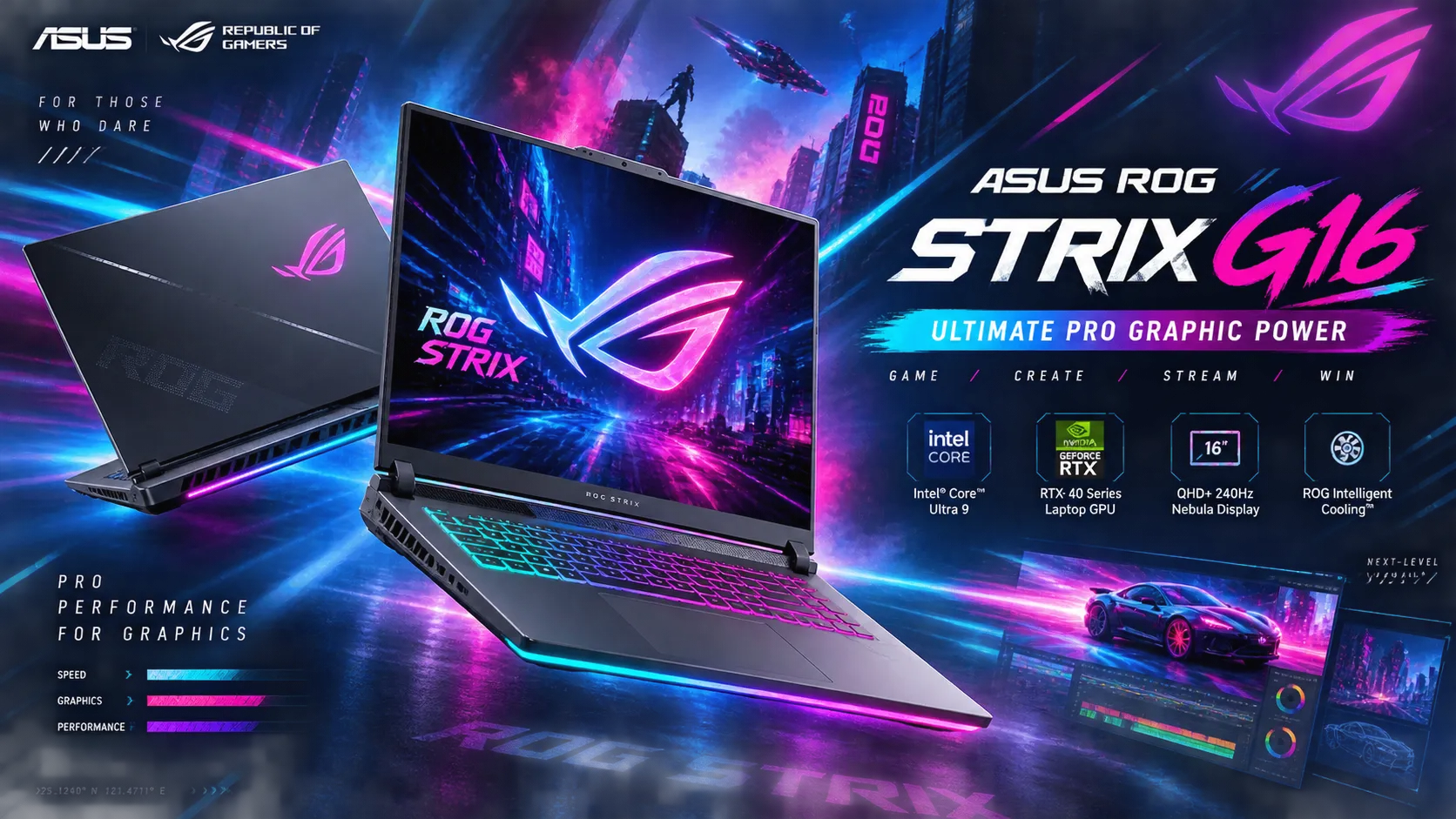
The ASUS ROG Strix G16 is the best Windows laptop for professional graphic designers with its mighty specs. It features the powerful Intel Ultra 9 275HX processor with speeds up to 5.4GHz. Alongside, the NVIDIA GeForce RTX 5060 8GB GPU on this ASUS laptop is ready to handle your demanding design software. You are getting 16GB DDR5 RAM for smooth multitasking across the Adobe Creative Suite. The best thing about it is its 16-inch FHD+ display that offers 100% sRGB color accuracy. This is the most essential part for precise color work, isn’t it?
That's why it should be a tough contender from our list of top 5 laptops for graphic designing in Bangladesh for Windows PC users. Additionally, it glows at 300 nits of brightness and has a 165 Hz refresh rate. So visuals always remain crisp and fluid on your canvas. The spacious 1TB SSD provides ample storage for large project files, and they are quite fast enough. If budget is not a problem, the ASUS ROG Strix G16 combines power, accuracy, and reliability for creative professionals.
Key Feature of ASUS ROG Strix G16
- Intel Ultra 9 275HX | Up to 5.4 GHz (36 MB Cache)
- NVIDIA GeForce RTX 5060 8GB GDDR7
- 16" FHD+ (1920 x 1200) Display with 165 Hz
- 16GB DDR5 RAM | 1TB PCIe 4.0 NVMe M.2 SSD
- Ultra-fast Wi-Fi 7
HP Victus 15-fa1393TX - Fast Rendering Creative Laptop
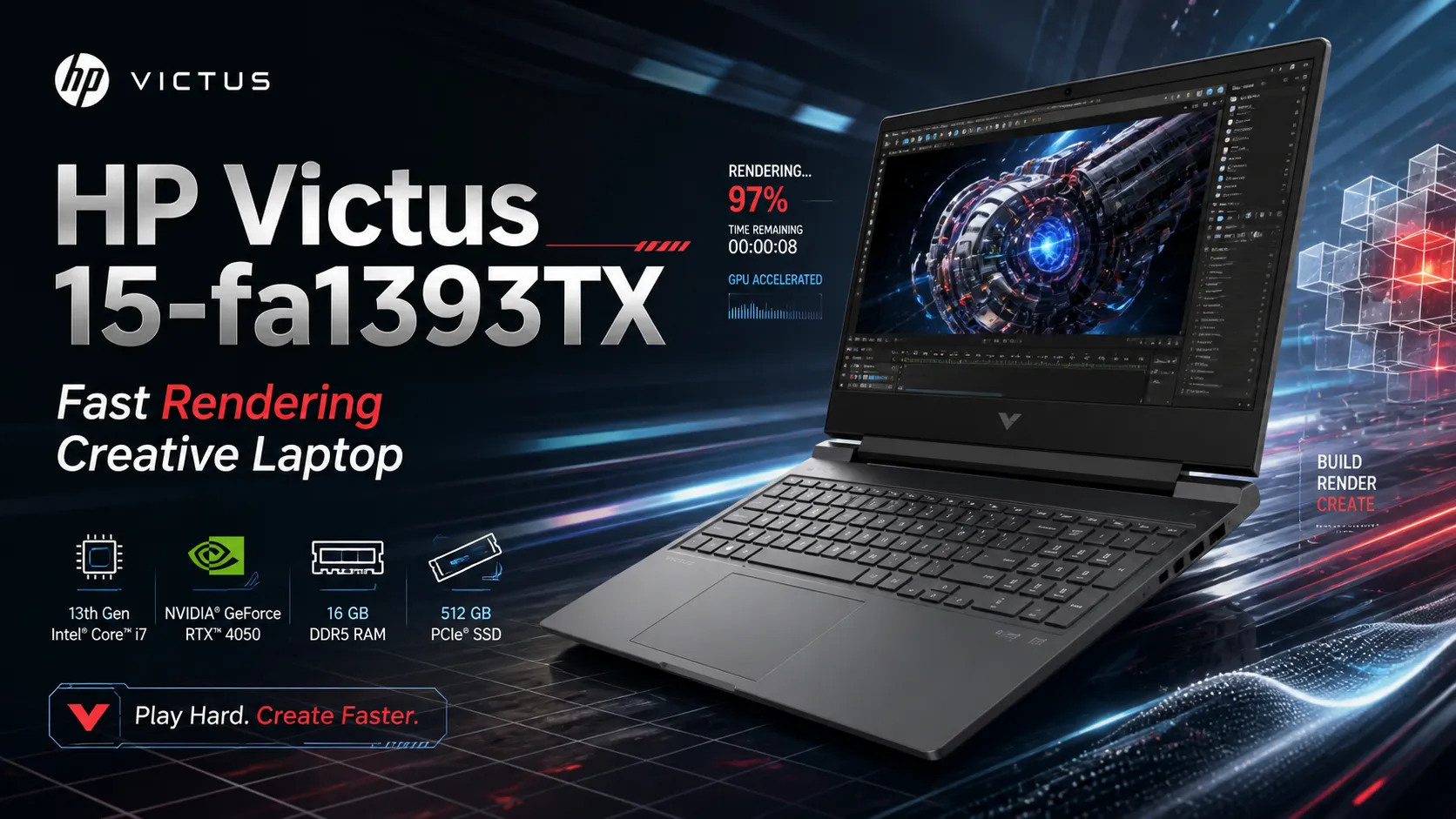
The HP Victus 15-fa1393TX is a solid choice for graphic designers seeking performance and value. Its Intel Core i5-13420H processor is capable of smoothly handling demanding design software. The 8GB DDR4 RAM ensures lag-free multitasking across the Adobe Creative Suite. The most interesting part that most graphic designers will love about this device is its dedicated NVIDIA GeForce RTX 2050 GPU with 4GB dedicated graphics memory for faster rendering and effects.
The 15.6-inch FHD display offers decent color coverage with its 45% NTSC flicker-free. The refresh rate of the HP laptop is 144 Hz, which is smooth enough for many graphics design tasks. With 512GB NVMe M.2 SSD storage, this is one of the best laptops for graphic design from our list that comes with good storage space for lots of project files. The backlit keyboard supports comfortable work during late-night design sessions.
Key Feature of HP Victus 15-fa1393TX
- Intel Core i5-13420H (up to 4.6 GHz, 12 MB L3 cache)
- GeForce RTX 2050 4GB GDDR6
- 15.6-inch IPS FHD (1920 x 1080) 144 Hz
- 8GB DDR4 RAM, 512GB NVMe M.2 SSD
- Wi-Fi 6 Connectivity.
Lenovo LOQ 15IRX9 - Best Value Laptop For Multi-App Designing
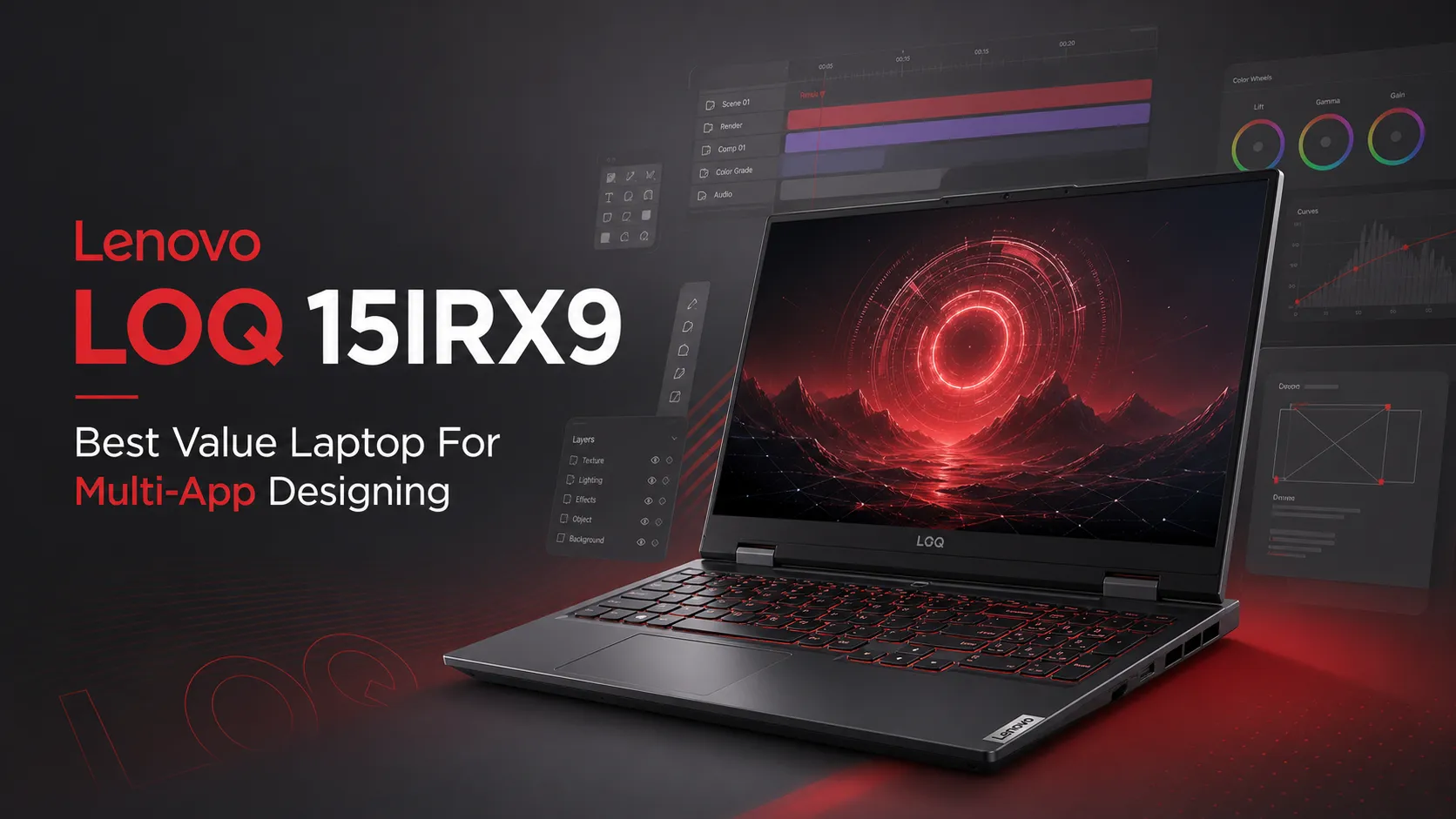
Trying hard to find a device without investing a big amount in your next graphics-designing laptop? Then the Lenovo LOQ 15IRX9 is an excellent choice we can offer you. Its Intel Core i5-13450HX processor specs can handle demanding design software with ease. The 24GB DDR5 RAM with 4800 MHz speed ensures smooth multitasking across multiple Adobe applications. Talking about the display, you get a large 15.6-inch FHD display with 100% sRGB color accuracy. Its graphics are powered by an NVIDIA GeForce RTX 4050 6GB graphics card that accelerates rendering tasks efficiently.
With 512GB PCIe 4 NVMe storage, file transfers are lightning-fast in this Lenovo laptop. Similar to the Victus 15-fa1393TX laptop, it also has a 144 Hz refresh rate screen that can offer you a fluid color viewing experience. If you are a freelancer and often need to work outside, the Lenovo LOQ 15IRX9 laptop’s military-grade durability can be the best laptop for graphics designers like you on the move.
Key Feature of Lenovo LOQ 15IRX9
- Up to Intel Core i5-13450HX 13th Gen Processor, up to 4.6 GHz
- NVIDIA GeForce RTX 4050 with 6GB GDDR6 VRAM GPU
- 15.6" FHD (1920x1080) IPS Display with 144 Hz refresh rate
- 24GB DDR5-4800 RAM (Dual Channel) Memory
- Fast 512GB M.2 PCIe 4.0 NVMe SSD
- MIL-STD-810H Military-Grade Toughness
- Backlit Keyboard and Integrated Privacy Shutter.
Lenovo LOQ 15IAX9E - Best Budget Laptop for Amateur Creators
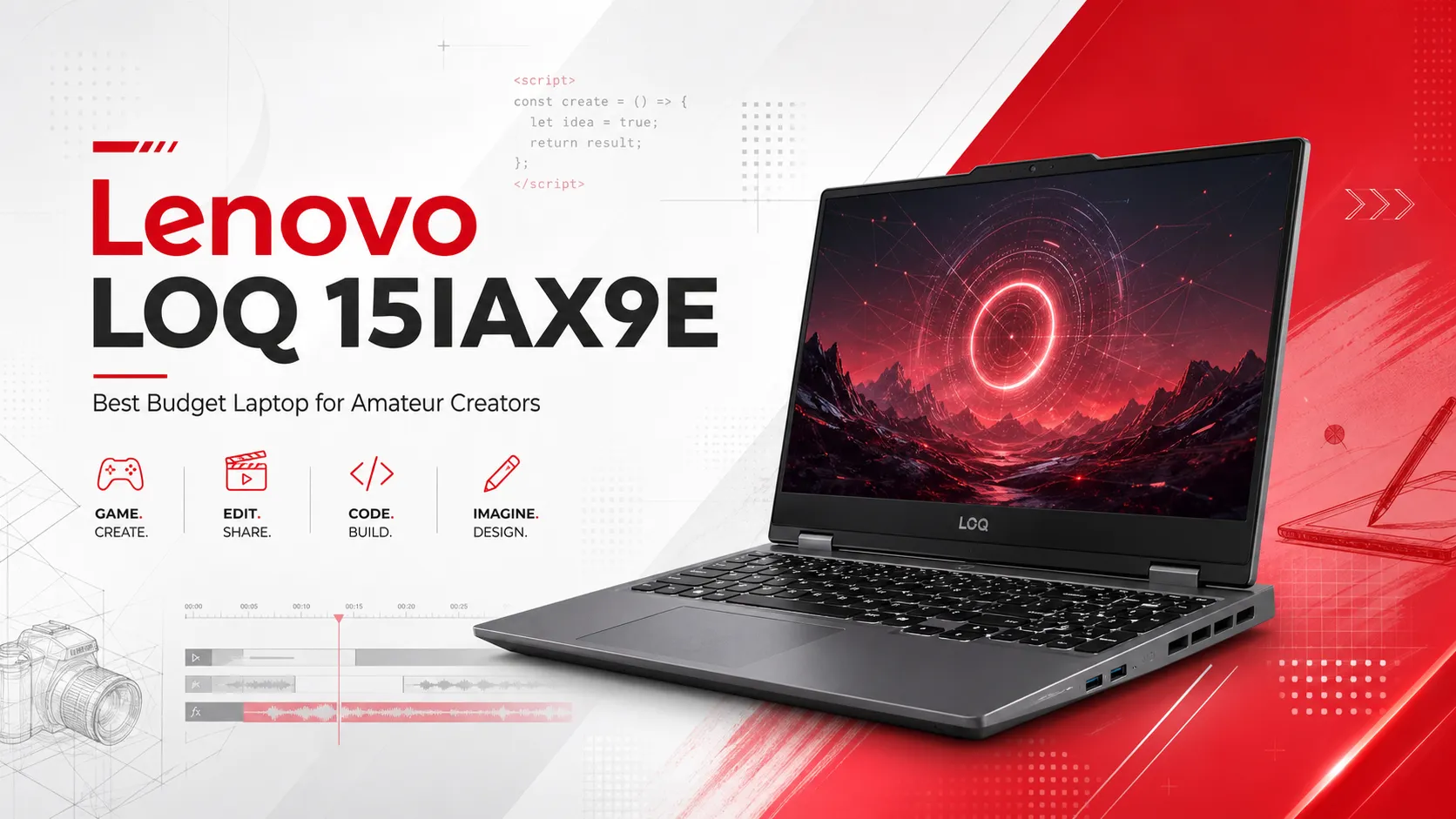
Being straightforward, the Lenovo LOQ 15IAX9E is the below-the-belt choice for graphic designers on a budget. Regardless of its low-cost 15.6-inch FHD IPS display, it offers 100% sRGB coverage for accurate colors during design work. The 144 Hz refresh rate of this best laptop for graphic design from the Lenovo laptop brand on our list delivers smooth playback while editing.
Powered by the Intel Core i5-12450HX processor and NVIDIA GeForce RTX 2050 4GB GPU, the Lenovo LOQ 15IAX9E can handle creative software bundles like Adobe Creative Suite with ease. With 12GB DDR5 RAM and a 512GB PCIe 4.0 SSD, the Lenovo LOQ 15IAX9E supports smooth multitasking and fast file access. The 300-nit anti-glare display also helps maintain clear visuals during long design sessions.
Lenovo LOQ 15IAX9E
- Intel Core i5-12450HX up to 4.4 GHz Processor
- RTX 2050 4GB GDDR6 Graphics
- 15.6" FHD (1920x1080) 144 Hz IPS Display
- 12GB DDR5-4800 RAM / 512GB PCIe 4.0 SSD
- 100% sRGB, Backlit Keyboard, Privacy Shutter.
Comparison Specs for Top Graphic Design Laptops in BD
Choosing the right hardware depends on your budget, software requirements, and color workspace needs. Below is a structured comparison of the best laptops for graphic design in Bangladesh to help you evaluate your choices.
| Laptop Model | Processor (CPU) | Graphics (GPU) | Display Specs | Memory (RAM) | Storage |
|---|---|---|---|---|---|
| MacBook Pro M5 | Apple M5 (10-core CPU) | Apple M5 (10-core GPU) | 14.2" Liquid Retina XDR, 120Hz ProMotion | 16GB Unified | 512GB SSD |
| ASUS ROG Strix G16 | Intel Ultra 9 275HX (Up to 5.4 GHz) | NVIDIA GeForce RTX 5060 8GB GDDR7 | 16" FHD+ (1920 x 1200), 100% sRGB, 165Hz | 16GB DDR5 | 1TB PCIe 4.0 NVMe SSD |
| HP Victus 15-fa1393TX | Intel Core i5-13420H (Up to 4.6 GHz) | NVIDIA GeForce RTX 2050 4GB GDDR6 | 15.6" FHD (1920 x 1080) IPS, 45% NTSC, 144Hz | 8GB DDR4 | 512GB NVMe M.2 SSD |
| Lenovo LOQ 15IRX9 | Intel Core i5-13450HX (Up to 4.6 GHz) | NVIDIA GeForce RTX 4050 6GB GDDR6 | 15.6" FHD (1920 x 1080) IPS, 100% sRGB, 144Hz | 24GB DDR5 | 512GB PCIe 4.0 NVMe SSD |
| Lenovo LOQ 15IAX9E | Intel Core i5-12450HX (Up to 4.4 GHz) | NVIDIA GeForce RTX 2050 4GB GDDR6 | 15.6" FHD (1920 x 1080) IPS, 100% sRGB, 144Hz | 12GB DDR5 | 512GB PCIe 4.0 NVMe SSD |
What to Look for in a Graphic Design Laptop
A good design laptop needs strong performance and reliable visuals. So look for a sharp display, 100% sRGB, IPS or OLED panels, a powerful processor, enough RAM, most probably a dedicated GPU, high-speed SSD storage, solid build quality with decent laptop battery capacity, and good cooling for keeping the laptop stable during your long creative sessions. Here we discussed them in detail for you to help you be more confident in your choice.
Display Quality
Display quality is crucial for design work, so focus on accurate colors. Look for 100% sRGB and a resolution of at least 1920x1080 for clear detail. For the panel, we would suggest IPS, and sometimes OLED or Mini-LED for deeper contrast and wider viewing angles.
Tip: A 24-inch to 32-inch display offers a comfortable workspace without losing portability.
Color Accuracy
Look for wide color-gamut coverage to keep shades consistent across projects. On this note, DCI-P3 support helps a lot, especially for video editing and modern displays. Delta E matters too for choosing a laptop as the best laptop for graphic design tasks.
Processor Power
Processor power shapes how smoothly your design tasks run. Multi-core performance helps your render quickly and handle heavy workloads. Clock speed also matters because it boosts responsiveness in apps.
RAM Requirements
RAM plays a big role in how smoothly your design workflow runs. You need to use 8GB, 16GB, or 32GB, depending on the project size. With Adobe Creative Suite, more RAM helps you to multitask without slowdowns. Choosing the best laptop for graphic design keeps Photoshop, Illustrator, and other apps open together without lag.
Graphics Card (GPU)
A dedicated GPU makes a big difference in your creative work. For instance, NVIDIA RTX 2050, 3050, 4050, 4060, 5050, 5060, or AMD Radeon cards give smoother visuals and faster previews. VRAM matters too. You can choose 2 GB to 16 GB GPU variants, depending on the apps you use. More VRAM helps with larger files.
Storage Solutions
Storage plays a big role in how quickly your projects load and save. Plus, you need to always choose SSD over HDD because they are technically faster and more reliable. A minimum of 1 TB capacity helps you keep apps and project files organized.
Tip: Your selected best laptop for graphic design should have dual storage, which is most often life-saving for designers.
By ensuring this, you can keep the main work on SSD and archive files on another drive. NVMe SSDs feel even quicker. They speed up boot time, previews, and exports. This setup keeps your workflow smooth during busy design days.
Build Quality & Portability
Lightweight laptops always feel easier to carry during client visits. Still, durability is important too. Because a strong chassis protects your device from bumps, especially during frequent travel. As extended protection for frequent travelling, get a good-quality laptop backpack from our Laptop Bag and Backpack collection.
Related Blog: Best Waterproof Laptop Backpacks on a Budget in Bangladesh
Using a high-quality laptop cooling pad can also be a smart move. It keeps performance stable when creators work on heavy design projects. These features together make your setup reliable, comfortable, and ready for long creative days on the move.
Mac vs. Windows for Graphic Design
Choosing between Mac and Windows depends on your workflow and priorities. Both platforms have distinct advantages for graphic designers.
MacBook Advantages
MacBooks are known for their exceptional color accuracy. The Retina display technology delivers true-to-life colors right out of the box, which most Windows laptops fail to deliver. Their panels spend less time calibrating your screen. Additionally, the macOS ecosystem integrates naturally with other Apple devices.
You can transfer files instantly between your iPhone, iPad, and Mac Studio. iCloud keeps everything synchronized. That's why many creative professionals in the Apple ecosystem prefer MacBooks as the best laptop for graphic design tasks.
Windows Laptop Advantages
Windows laptops offer incredible hardware variety. So that you can choose from dozens of brands and configurations when you choose Microsoft Windows as your operating system. Furthermore, the customization options are nearly endless with this platform. Upgrading RAM, storage, and even GPUs in many models is possible without spending much. This flexibility helps you build the perfect setup. Eventually, Microsoft Windows laptops will deliver better price-to-performance ratios.
Tip: Always try avoiding non-upgradeable models like laptops with soldered RAM and storage that limits future expansion.
The Verdict
MacBooks suit designers who value color accuracy, ecosystem integration, and industry-standard workflows. Windows laptops are ideal for budget-conscious professionals who need powerful hardware and customization flexibility. Thus, both platforms excel at graphic design when properly configured.
Common Mistakes to Avoid
- Many buyers prioritize CPU over GPU when choosing a design laptop. This is a mistake because graphics cards matter more for rendering and effects.
- Do not compromise on display color accuracy. Because a cheap screen can ruin your color work.
- Choosing insufficient RAM is another costly mistake. 8GB struggles with Adobe Creative Suite. So aim for at least 16 GB minimum for a smoother editing experience.
- Overlooking thermal management leads to throttling during intensive tasks. Check cooling system reviews before buying.
- Targeting a designer laptop with a slim profile often leads designers to mistakenly buy laptops with inaccessible upgrade slots, which fail to provide long-term value and flexibility.
Where to Buy Graphic Design Laptops in Bangladesh
Finding the right laptop for graphic design means balancing performance, display quality, and budget. Leading brands offer specialized features for creative professionals. Choosing sufficient RAM, a dedicated GPU, and color-accurate displays is key to a smooth workflow in Adobe Creative Suite and other design tools.
For the widest selection of certified products and expert guidance, Star Tech trusted retailers provide genuine laptops with warranty support. Visit our authorized showrooms to experience display quality firsthand, or shop online for competitive pricing and nationwide delivery. Make a smart investment in your creative career today by trying out our best laptops for video editing if you want to take your career to the next level in graphic design.
Frequently Asked Questions (FAQS)
How much RAM do I need for graphic design?
You need a minimum of 16 GB RAM for smooth graphic design work. 8 GB struggles with Adobe Photoshop and Illustrator when working on multiple projects.
What's the ideal screen size for graphic designers?
15 to 16 inches is the ideal screen size for graphic designers. It provides enough workspace without sacrificing portability.
Can I use a gaming laptop for graphic design?
Absolutely. Gaming laptops work excellently for graphic design. They have powerful GPUs, high refresh rate displays, and strong cooling systems.
How important is color accuracy in a design laptop?
Color accuracy is extremely important. Look for displays with 100% sRGB or Adobe RGB coverage. Poor color accuracy means your designs look different on other screens.
Do I need a 4K display for graphic design?
No, 4K isn't mandatory, but it's beneficial. A Full HD (1920x1080) or WUXGA (1920x1200) display works fine for most design tasks.

Comments
There are no comments for this Article.