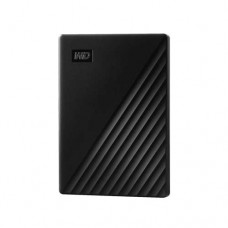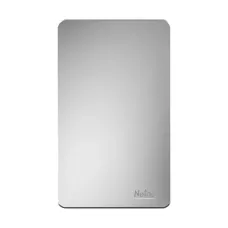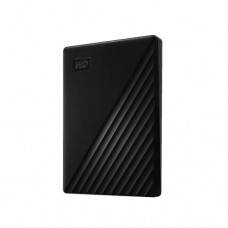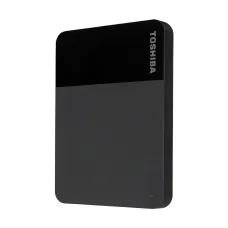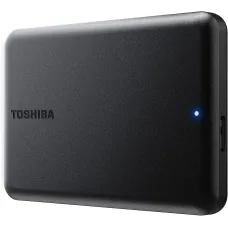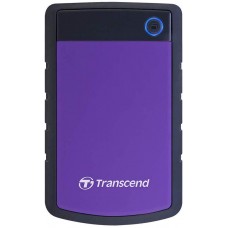
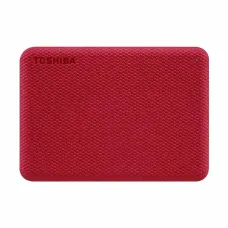
Portable Hard Drive for Backup and Storage
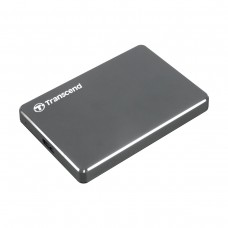
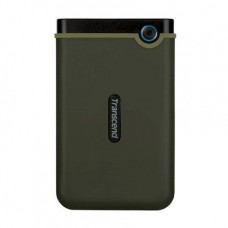
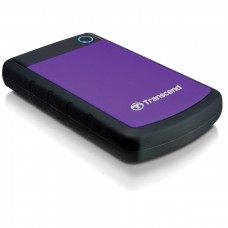
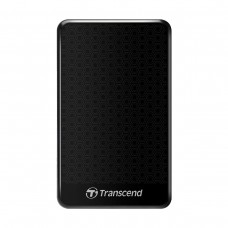
A portable hard disk drive provides convenient external storage for laptops, desktops, and other compatible devices. It can be used to back up important files, transfer data between computers, store photos and videos, archive projects, and free up space on devices with limited internal HDD storage. Compared with portable SSDs, HDDs generally offer more storage at a lower cost per gigabyte. This makes them a suitable option for users who prioritize storage capacity and affordability over the fastest possible transfer speeds. If you are looking for the latest portable hard disk price in BD, at Star Tech you will find suitable options from popular brands in different capacities and price ranges. Whether you need an external drive for everyday file transfers or higher-capacity storage for media and professional projects, you can choose a portable HDD according to your storage requirements and budget.
Latest Portable Hard Disk Price List in BD
Best Portable HDD Brands in Bangladesh
Star Tech offers portable and external hard drives in Bangladesh, from top storage brands including Western Digital, Toshiba, Transcend, Seagate, SanDisk, Netac, Asus, and LaCie. Available models differ in capacity, interface, design, durability, and price, giving users options for everyday storage as well as professional workloads. Students, home users, office professionals, gamers, photographers, video editors, and content creators can choose a suitable portable HDD based on their storage needs and budget.
Popular Portable Hard Disk Capacities to Choose From
Storage capacity is one of the most important factors to consider when buying a portable hard disk. The right capacity depends on the type and amount of data you plan to store, as well as how much additional storage you may need in the future.
1TB Portable Hard Disk Drives
A 1TB portable HDD is a practical choice for everyday storage and backup needs. It provides room for documents, work files, photos, videos, study materials, and other personal data. It can be suitable for students, office professionals, freelancers, and home users who need extra storage without moving to a larger-capacity drive.
2TB Portable Hard Disk Drives
A 2TB portable hard disk offers more room for users with larger photo, video, game, and project collections. It can be useful for business files, media libraries, software projects, and regular backups. Gamers should check the storage requirements of their specific console or gaming platform before purchasing. For example, compatible USB extended storage can be used with PS5 for supported storage purposes, but PS5 games must be copied to the console's internal storage before they can be played.
4TB Portable Hard Disk Drives
A 4TB portable HDD is suitable for users who regularly handle large amounts of data. Photographers, video editors, content creators, and professionals working with large project folders can benefit from the additional storage. It can also be useful for users who maintain large movie, video, photo, or document archives and want additional room for future files.
5TB and Higher-Capacity External Hard Drives
Users with extensive media collections, professional project archives, surveillance data, or large-scale backup requirements may need more than 4TB of storage. Higher-capacity external hard drives like 8TB, 12TB, 14TB, 16TB, and 24TB can provide substantially more space. Many of these larger portable HDD models are designed as desktop external drives rather than compact, bus-powered portable HDDs. Before buying a high-capacity external drive, check its physical size, power requirements, interface, and intended use.
Factors to Consider Before Buying a Portable HDD
Storage capacity is only one part of choosing the right external hard drive. You should also consider compatibility, interface, transfer speed, physical durability, security features, size, weight, and power requirements.
Storage Capacity
Choose a capacity based on the type of files you plan to store and your expected future needs. A 1TB drive can be sufficient for everyday documents, photos, and regular backups, while 2TB or 4TB models are better suited to larger media libraries and professional project files. If you are buying a portable HDD as a long-term archive, choosing additional capacity can help reduce the need to replace the drive when your storage requirements grow.
Data Transfer Speed
Transfer speed is important when moving large files such as videos, game data, photo libraries, and project folders. Check the drive's advertised read and write performance along with its USB interface. Keep in mind that the actual transfer speed can be lower than the theoretical maximum of the USB standard. Drive performance, the connected device, USB controller, cable, file size, and other factors can all affect real-world speeds.
USB Interface and Connectivity
Check the connector and USB standard before purchasing a portable hard disk. Many portable HDDs use USB 3.0 or USB 3.2 Gen 1 connections and can provide up to 5Gbps of theoretical interface bandwidth when connected to compatible hardware. A Type-C portable hard disk can make connection easier with newer laptops, tablets, and other devices.
Device Compatibility
Make sure the portable HDD is compatible with the devices you plan to use. Check operating-system support and the drive's required file system, particularly if you want to move it between Windows and macOS computers. If you plan to use an external HDD with a smartphone, tablet, or gaming console, check the requirements of the specific device. Compatibility can depend on the supported USB standard, storage capacity, file system, power availability, and platform restrictions. For gaming consoles such as PS5 and Xbox Series S, or Xbox Series X, always check the manufacturer's current storage requirements before buying.
Size and Weight
If portability is important, consider the physical dimensions and weight of the drive. A compact 2.5-inch portable HDD is generally easier to carry between home, office, school, or other locations than a larger desktop external drive. A lightweight design can be particularly useful for students, freelancers, photographers, and content creators who regularly carry storage devices with their laptops.
Shock and Drop Protection
Portable HDDs contain moving mechanical components, so careful handling is important. If you frequently travel with an external hard drive, consider models with shock-resistant construction or protective enclosures. A durable enclosure can help protect the drive from everyday bumps, but it does not make an HDD immune to damage. Avoid dropping, shaking, or exposing the drive to excessive impact while it is operating.
Password Protection and Data Security
Some external hard drives support password protection, encryption, or manufacturer-provided security and backup software. These features can be useful when storing sensitive business documents, personal files, project data, or other information that should not be accessed by unauthorized users.
Power Requirements
Most compact portable HDDs draw power directly through their USB connection and do not require a separate power adapter. Larger desktop external hard drives may require an external power supply. Check the drive's power requirements before purchasing, especially if you plan to use it with a laptop, smartphone, tablet, or other device that may have limited USB power output.
Why Buy a Portable Hard Disk from Star Tech?
As the most popular computer shop in BD, Star Tech offers a vast collection of portable hard disk drives from trusted brands in different capacities and price ranges. You can compare available models based on storage capacity, interface, speed, design, and other specifications before choosing an external hard drive for your needs. Visit Star Tech stores across Bangladesh, or you can simply place an order online to get your desired portable HDD delivered to your doorstep.
Frequently Asked Questions (FAQ)
Q- 1: What is a portable hard disk?
A portable hard disk is an external HDD designed to provide additional storage that can be connected to compatible computers and other devices through USB or another supported interface. It can be used for file storage, data transfer, backups, and media archives.
Q- 2: How much portable HDD storage do I need?
A 1TB portable HDD can be suitable for everyday documents, photos, videos, and backups. Choose 2TB or 4TB if you regularly store larger media collections, games, or professional project files. Users with extensive archives may benefit from higher-capacity external drives.
Q- 3: Is a portable hard disk good for backup?
Yes. A portable HDD can be used to back up documents, photos, videos, and other important files. However, a single hard drive should not be your only copy of important data because any storage device can fail. Keeping an additional backup provides better protection against data loss.
Q- 4: What is the difference between USB 3.0 and USB 3.2 portable hard disks?
USB 3.0 and USB 3.2 cover different generations and specifications. USB 3.2 Gen 1 supports up to 5Gbps, which is the same theoretical speed commonly associated with USB 3.0. Actual transfer performance depends on the HDD, USB port, cable, controller, and the type of data being transferred.
Q- 5: Can a portable HDD work with PS5 or Xbox?
A compatible external HDD can work with supported gaming consoles, but compatibility and storage functionality vary by platform. Check the console manufacturer's requirements for supported capacity, USB standard, and how external storage can be used before purchasing.
Q- 6: Where can I buy a portable hard disk in Bangladesh?
You can buy portable and external hard disk drives from Star Tech in Bangladesh. Star Tech offers HDDs from multiple brands and in different capacities for personal storage, backup, media, gaming, and professional use.