
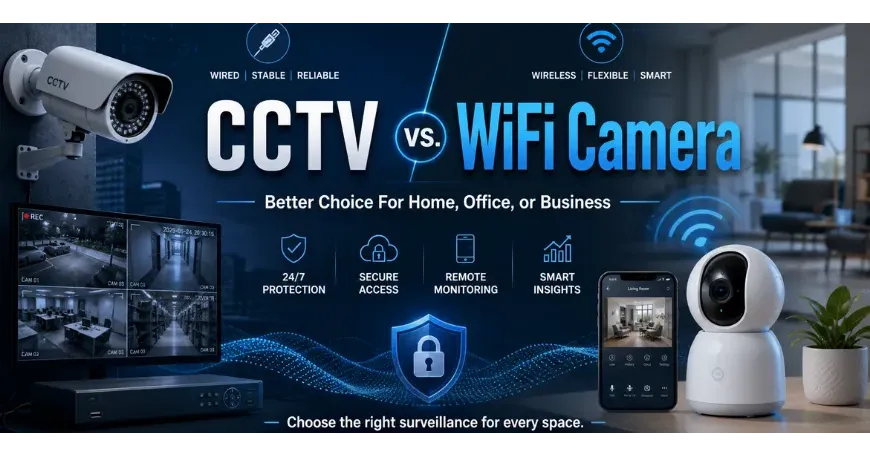
You need security cameras, but you're puzzled by understanding the confusing specs of CCTV and WiFi cameras. If this is your problem, you have come to the right place. Well, before starting, you might have a clear idea from their names, which define their connectivity types. And this is actually the key factor that sets both of these CCTV and WiFi security cameras apart. Also considering their connectivity variance, both choices get acceptance for different infrastructures with different security setup preferences. So, after comparing their base difference, we can call CCTV cameras "wired security cameras" and WiFi cameras "wireless security cameras."
Table of Contents
- How CCTV Cameras Work
- How WiFi Cameras Work
- Comparison Table Between CCTV Cameras & WiFi Cameras
- Best Security Camera for Home Usage
- Best Security Camera for Professional Usage
- Choosing the Right Camera Resolution for Your Needs
- How To Smartly Upgrade Without Replacing Your CCTV Setup
- CCTV vs. WiFi Camera: Which One Fits Your Situation?
- Which is the Winner Between CCTV & WiFi Camera For You?
Well, that is technically right, but still there are many more catches, which will be discussed in detail in our upcoming sections. Both choices naturally have their own merits and limitations for individual surveillance needs. In this comparison blog, we will try our best to break down the pros and cons of using a wired CCTV camera versus a WiFi camera and which one is right to choose for your home, office, or business as the right security partner. We can start by knowing how CCTV and WiFi cameras work first.
How CCTV Cameras Work
So CCTV cameras basically run on a wired setup, as we discussed above. Each analog camera connects to a video recorder using a coaxial cable. And this cable carries video signals back to your monitor or storage. The power comes through a plug, so the feed stays steady. To keep everything working, traditional CCTV systems need wired security cameras and a few other accessories, like connectors and mounts.
| PROs of CCTV Cameras | CONs of CCTV Cameras |
|---|---|
| Steady wired signal with no dropouts | Harder to install with cable runs |
| No reliance on WiFi bandwidth | Limited flexibility once mounted |
| Consistent power through wired lines |
How WiFi Cameras Work
Unlike wired CCTV cameras, WiFi cameras wirelessly connect to your router and send footage over your network. They support advanced security features like motion alerts, cloud storage, and remote viewing. Considering the power difference, wireless cameras usually get power from a standard outlet. But if you engage a mini DC UPS within your system and power outlet, you can keep the cameras online even during load shedding.
NOTE: Whenever the internet connection disconnects, the live feed immediately stops until it reconnects.
| PROs of WiFi Cameras | CONs of WiFi Cameras |
|---|---|
| No need to use a video recorder | Highly dependent on internet connection |
| No reliance on wiring setups | Poor wireless security can affect performance |
| Can be placed in locations where running video cables is difficult. |
Many people repeatedly ask themselves, are WiFi cameras better than CCTV cameras? As you see, the answer actually depends on your setup preference.
Comparison Table Between CCTV Cameras & WiFi Cameras
When evaluating these security camera systems, it greatly helps to look at the CCTV and WiFi camera differences side by side. The table below covers the key factors that help you decide the right one.
| KEY FACTORS | DIFFERENCES |
|---|---|
| Installation | CCTV cameras need cable runs and more setup time. WiFi cameras are often quicker to install. |
| Power Source | CCTV cameras usually use direct wired power. WiFi cameras need local power and may stop during load shedding unless backed by a mini DC UPS. |
| Internet Need | CCTV cameras can keep recording without internet. WiFi cameras may lose remote access if the router goes offline or the WiFi network disconnected. |
| Video Stability | CCTV cameras give a steady video feed through cables. WiFi cameras can face signal drops in weak network areas. |
| Remote Access | CCTV systems may need extra setup for remote viewing. WiFi cameras often include app access from the start. |
| Storage | CCTV cameras often store footage on a DVR or NVR. WiFi cameras may use SD cards, cloud storage, or both. |
| Security Features | CCTV systems focus on steady recording. WiFi cameras often include motion alerts, two way audio, and app based controls. |
| Best Fit | CCTV cameras suit fixed long term setups. WiFi cameras fit homes or small spaces that need quick setup and smart features. |
Best Security Camera for Home Usage
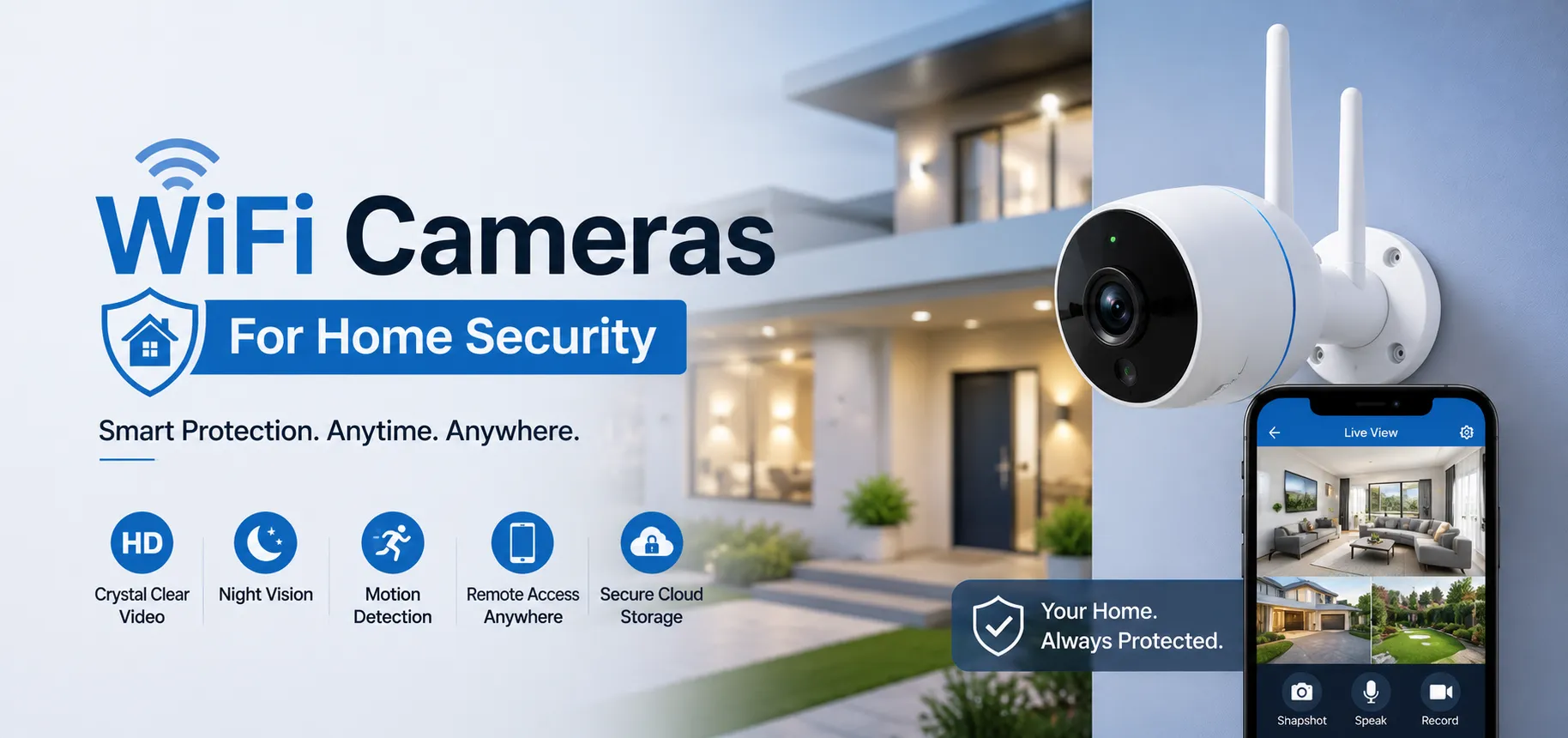
For most homeowners, portable Wi-Fi cameras are the reasonable choice. Because they can be installed quickly. You can cover main entryways without drilling walls or running Ethernet cables through your home. Parents who want to keep an eye on kids or monitor a babysitter will find app-based viewing and motion alerts useful. Small business owners running a shop or small office can also benefit from the same features at a low setup cost.
Related Blog: Best WiFi Cameras For Home Security
Best Security Camera for Professional Usage
While home setups favor WiFi cameras, corporate offices and large businesses slightly demand more. Hence, a suitable security camera for professional use must be capable of handling heavier traffic, longer cable runs, and non-stop recording. Compared to WiFi cameras, CCTV cameras connected to a DVR give restaurant owners, warehouse managers, and school administrators a feed that stays on without depending on a network.
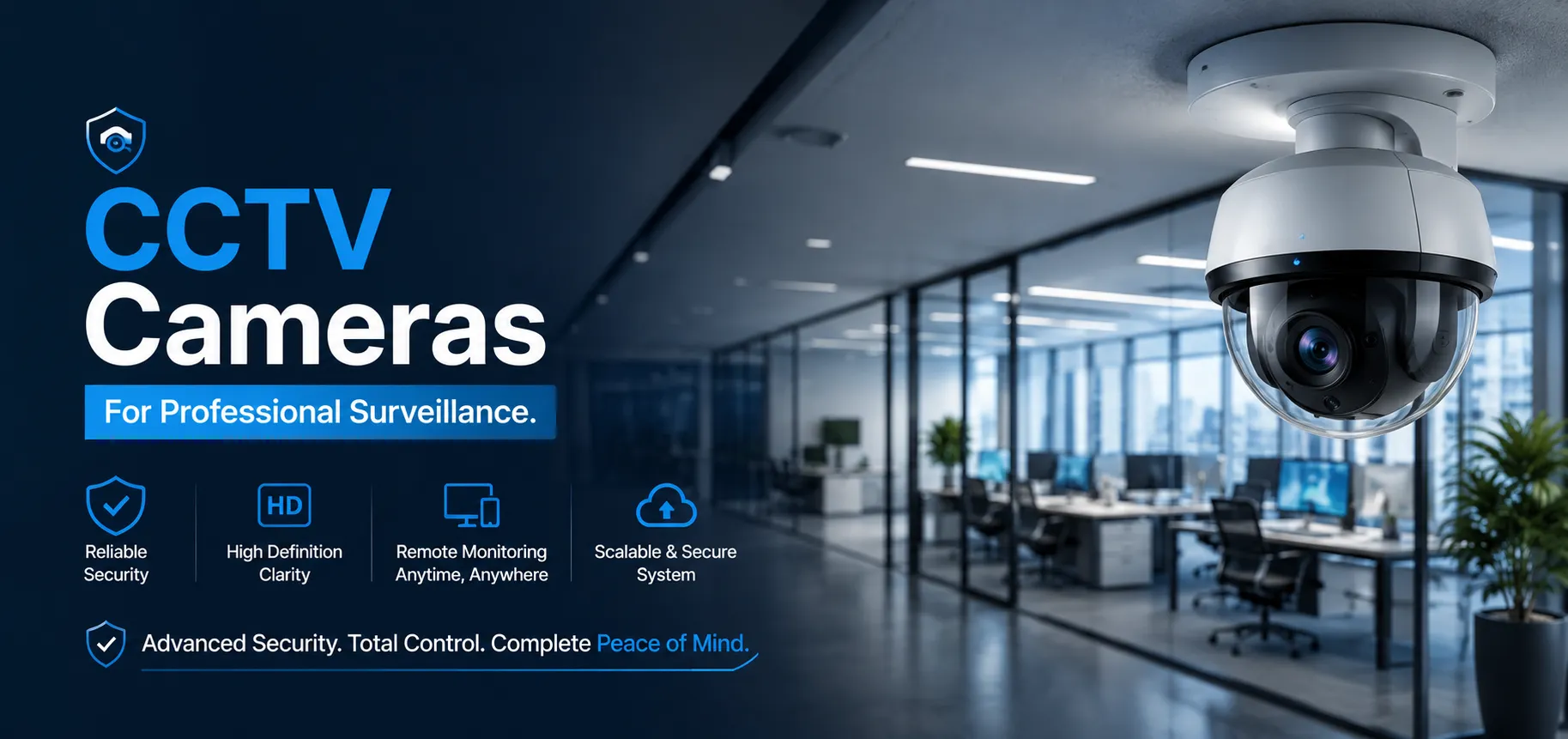
CCTV security cameras cover fixed zones, while WiFi cameras handle areas that need remote access or quick repositioning. If your site has poor WiFi coverage or no network at all, that alone can be the only reason you might choose CCTV cameras without WiFi.
Tip: In large spaces, trying a combination of both CCTV and WiFi security cameras on a single system also can be a good idea.
Related Blog: CCTV Camera Buying Guide: How to Choose the Best Security Camera in Bangladesh
Choosing the Right Camera Resolution for Your Needs
Now it's time to decide which camera resolution is sufficient for your needs. If you need basic home monitoring, choose a 2 MP camera. They can perform well for monitoring your front door or driveway and cost less than higher-resolution options. But if you run a small business, considering a 5 MP camera would be preferable. It will capture more details across mid-sized areas like your retail floor or parking lot, and it also balances image clarity with storage needs. Lastly, when you are planning to manage your office with common needs like identifying faces or reading license plates over larger areas, you must choose a set of 8 MP cameras.
Note: Choosing security cameras with higher resolution offers you the clearest footage, but at the same time they will demand more storage space and bandwidth.
How To Smartly Upgrade Without Replacing Your CCTV Setup
When your current CC camera setup is working great, but you want smarter surveillance, then IP cameras are a natural upgrade for you. New PoE IP cameras provide power and connect to a Network Video Recorder (NVR) over a single cable, which can significantly reduce the number of cables in your setup. Surprisingly, adding these advanced cameras can provide remote access without a full system replacement. You just need to replace your DVR with an updated recording device, which is an XVR (Extended Video Recorder).
What is XVR, and How Does It Help in Doing So?
As we said, an XVR (Hybrid Video Recorder) lets you upgrade your surveillance without ditching your old cameras. This hybrid device supports both analog CCTV cameras, indoor and outdoor, and newer IP cameras at the same time. A DVR only handles analog feeds and lacks remote access, while an NVR works with IP cameras alone. Here is the specialty of XVR that can bridge both worlds. Accordingly, you can keep your existing CCTV cameras while adding modern IP cameras when ready.
In this way, you can save a lot of money and conveniently enjoy remote access plus smarter features without replacing your whole system. Renters and small office managers who found accessing traditional CCTV remotely difficult will find IP camera packages a cost-effective step up.
CCTV vs. WiFi Camera: Which One Fits Your Situation?
You need to weigh a few key factors before you pick a camera. Think about how you plan to use it, where you will install it, and what you expect over time. Here is what you should know when you compare CCTV and WiFi cameras.
Easy Connectivity
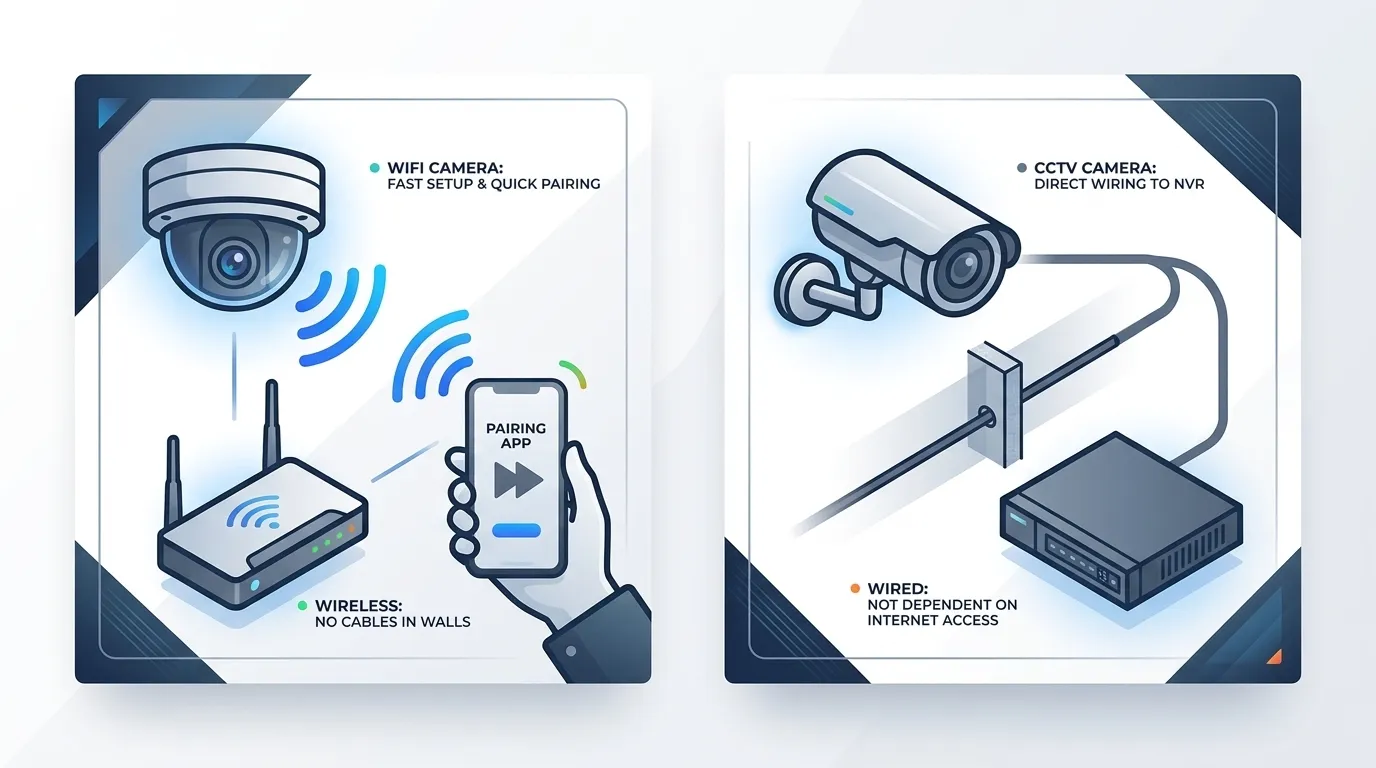
You can connect a WiFi camera through your existing router. Setup is fast, and you won't need to run cables through walls. With a CCTV camera, you need to wire it directly to a DVR or NVR. If you want quick pairing, choose a WiFi camera. But if you want to avoid relying on internet access, a wired setup serves you better.
Installation Convenience
When you choose a WiFi camera, you can skip drilling and cable runs. This decreases your installation cost compared to a CCTV camera. A wired security camera demands more of your labor, time, and planning. Hence, for small homes, you will find more convenience with a wireless setup.
Higher Video Quality
You get a steady edge in footage quality with CCTV cameras. As they don't compete for bandwidth, they will lead in every CCTV and WiFi camera comparison on all resolutions. Both types are good to get HD and 4K quality, but you may notice less lag with CCTV cameras during peak network hours. Still, you can get strong detail from a WiFi camera for home use.
Storage Advantage
With a CCTV camera, you need to store footage on local storage, such as a hard disk or SSD. This gives you full control, and you can also avoid monthly cloud storage fees. On the other hand, a WiFi camera can record continuously to the cloud or a memory card without needing a DVR for you.
TIP: Always use a surveillance-grade HDD optimized for a 90% write / 10% read workload to constantly stream and write massive streams.
Consider models from renowned brands like Western Digital (WD), Toshiba, or Seagate.
Remote Accessibility
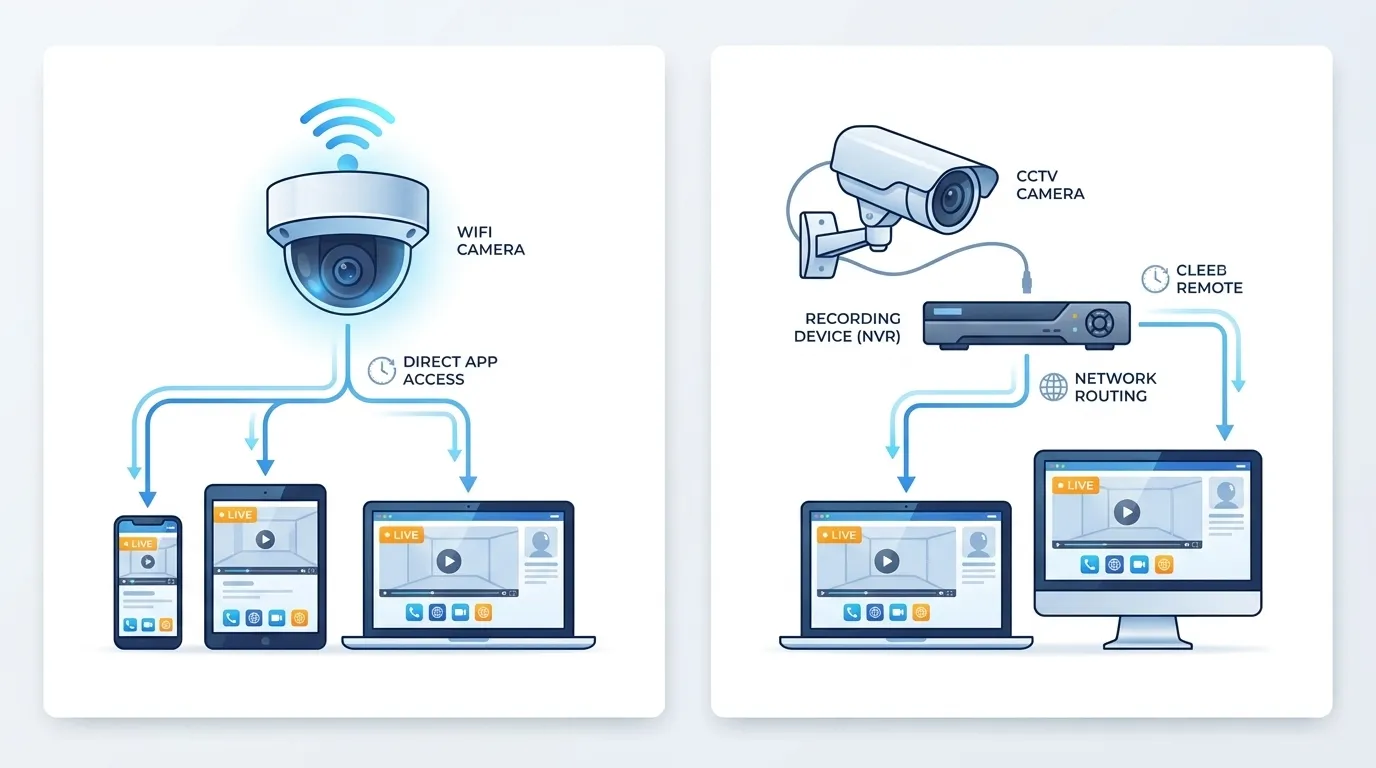
You can access both CCTV and WiFi cameras remotely. A WiFi camera makes this easier for you, since it connects directly to an app. Where a CCTV camera routes you through a recording device instead. Either way, you can check live feeds on your smart phone, tablet PC, laptop, or desktop computer within seconds.
Scalability
You can scale a WiFi camera system with ease because each new unit you add joins the network without extra cabling. With a wired system, you need to run new lines back to the recorder for every camera you add.
Service and Maintenance Cost
Maintenance will affect your total spend more than you might even expect. With a wired system, you need occasional cable checks. But in the case of a wireless system, you mainly need firmware updates and a stable signal.
Advanced Features
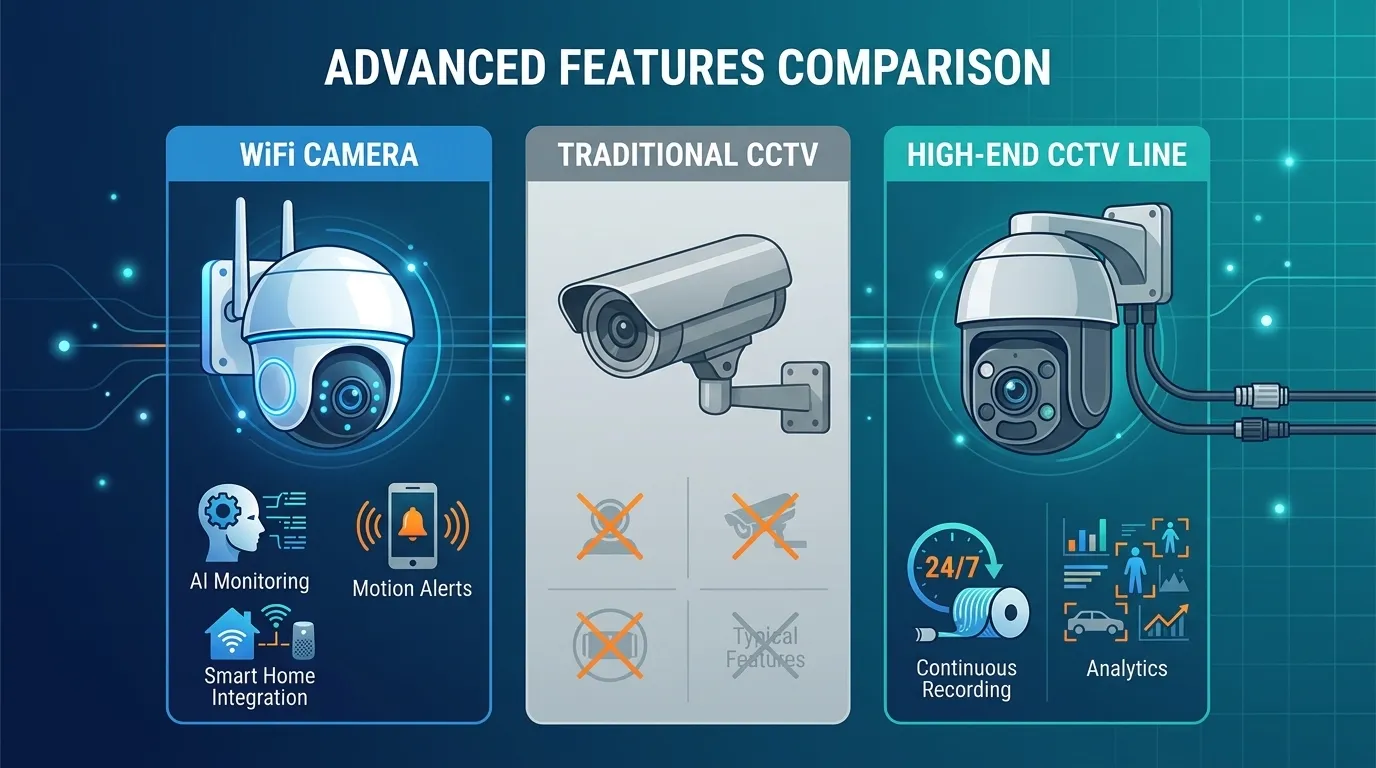
Nowadays, many WiFi cameras offer you AI monitoring, motion alerts, and smart home integration. Traditional CCTV cameras typically don't offer these features. But if you choose a high-end CCTV line, you get continuous recording and analytics instead.
Long-Term Reliability
In most cases, your local conditions will shape how reliable your setup turns out to be. Suppose you live in an area with weak internet; a wired CCTV camera keeps working, since it doesn't rely on a signal. It also handles power outages better when you pair it with backup power.
Setup Upfront Cost
Your budget often settles the final decision, you know. So if you choose a wired install, you face higher labor costs from day one, and the price gap between CCTV and WiFi cameras can grow significantly. On the contrary, if you choose a WiFi setup, you typically get it at lower entry pricing. This makes a wireless system a practical choice if you are a first-time buyer with a modest budget.
Which is the Winner Between CCTV & WiFi Camera For You?
Now that we have walked you through every key standard side by side, this CCTV vs WiFi camera comparison blog is nearly done. Comparing these across connectivity, cost, storage, and reliability shows there's no single winner. We assume now you will feel more confident when choosing the best camera setup for your space, budget, and security goals.
If you are still asking yourself, "Should I buy a CCTV or a WiFi camera?" Star Tech is the place to start. Just make a call to our hotline number 16793 or visit any of our nationwide outlets for expert advice by sharing your space specifications. You will get IP cameras, PTZ cameras, WiFi cameras, and CC cameras, including their accessories, under one shop.
Frequently Asked Questions (FAQS)
Should I buy a CCTV camera or Wi-Fi camera?
It depends on your priority. You can buy CCTV for stable footage, local storage, and reliable uptime. But when you want fast wireless setup, lower cost, and convenient remote access from your smartphone and other devices, go with WiFi cameras.
Which is better for home security, a CCTV camera or a Wi-Fi camera?
WiFi cameras suit most homes because they're quick to install, offer hassle-free app access, and provide smart alerts. However, choose CCTV cameras instead if your internet connection is weak or you want local recording with no subscription.
Which camera is better for office security?
CCTV cameras fit offices as most offices need constant, high-quality recording and central storage. WiFi cameras fit those offices that plan to grow. Because you can add cameras anytime without new cabling. Many offices also use both together.
Which is better for a shop, CCTV or Wi-Fi camera?
CCTV suits shops that need round-the-clock recording and local storage with no recurring fees. Whereas WiFi cameras suit smaller shop owners who want a lower starting cost.
Which camera gives better video quality, CCTV or Wi-Fi?
CCTV cameras usually offer steadier quality on a wired signal. However, WiFi cameras can still deliver sharp HD and 4K footage. Although quality may drop during busy network hours, both are capable of handling low light well.

Comments
There are no comments for this Article.