
Power outages and voltage fluctuations create serious problems for desktop computers, servers, WiFi routers, and other devices we use at home, in data centers, and across businesses in Bangladesh. An uninterrupted power supply acts as a lifesaver during these crisis moments by providing instant battery backup when electricity fails. As we step into 2026, choosing between online vs. offline UPS, which one to choose becomes a critical decision for protecting your electronics.
Table of Contents
- What is an Offline UPS & How Does It Work?
- What is an Online UPS & How Does It Work?
- Online UPS Benefits Over Offline UPS
- Offline UPS Advantages Over Online UPS
- Difference Between Online & Offline UPS Based On Key Parameters
- Online vs Offline UPS Feature Comparison Table
- Suitable Type of UPS Depending On Multiple Usage Fields
- Line Interactive vs Offline vs Online UPS Explained
Power outages and voltage fluctuations create serious problems for desktop computers, servers, WiFi routers, and other devices we use at home, in data centers, and across businesses in Bangladesh. An uninterrupted power supply acts as a lifesaver during these crisis moments by providing instant battery backup when electricity fails. As we step into 2026, choosing between online vs. offline UPS, which one to choose becomes a critical decision for protecting your electronics.
What is an Offline UPS & How Does It Work?
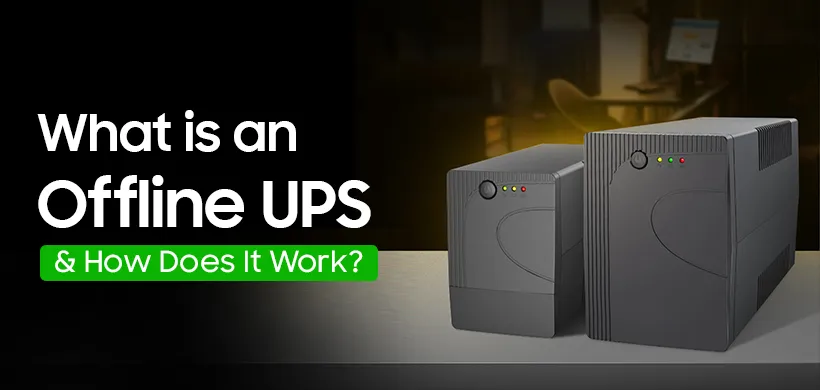
Now that you understand why UPS systems matter, let's explore the first type in our online UPS vs offline UPS comparison. An offline UPS, also called a standby UPS, stays inactive during normal power conditions and only switches to battery mode when it detects an outage. During load-shedding, the UPS takes a few milliseconds to activate its battery backup. Popular offline UPS brands like Apollo, MaxGreen, and Digital X offer affordable protection for basic home and office equipment.
What is an Online UPS & How Does It Work?
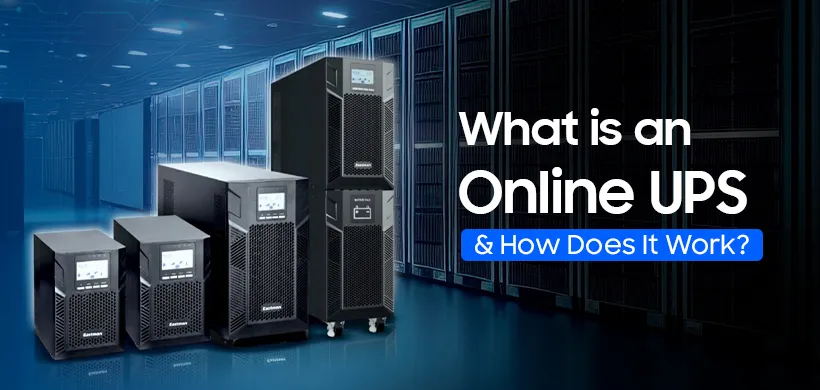
Unlike the offline model that waits for a power failure, an online UPS operates continuously, drawing power from its battery and inverter. This Uninterrupted Power Supply continuously converts incoming AC power to DC, charges the battery, and then converts it back to clean AC power for your devices. The system provides zero switching time because your equipment always runs on battery power. Online UPS brands you can trust, like Zigor, KSTAR, and Marsriva, deliver continuous protection when selecting the best UPS for your needs.
Online UPS Benefits Over Offline UPS
Understanding how each type works helps reveal the online UPS vs offline UPS advantages and disadvantages clearly. Online models provide instant protection without any switching delay, making them perfect for gamers and eSports online gamers who cannot afford interruptions during competitions.
The purpose of online UPS goes beyond basic power cut protection by delivering a consistent, clean power supply that prevents data loss and hardware damage. Any UPS store will agree that the online UPS battery systems cost more upfront but offer superior voltage regulation and longer equipment lifespan for sensitive devices.
Offline UPS Advantages Over Online UPS
While online models offer premium protection, offline UPS systems have their own strengths in the online UPS vs offline UPS comparison. Offline units cost significantly less to purchase and maintain, making them ideal for home use and small shops with tight budgets. These systems work efficiently as a UPS for computer setups, printers, and other basic electronics that can handle brief switching delays.
Offline models also consume less electricity during normal operation because they only activate during power failures, reducing your monthly energy bills while still providing essential backup protection.
Difference Between Online & Offline UPS Based On Key Parameters
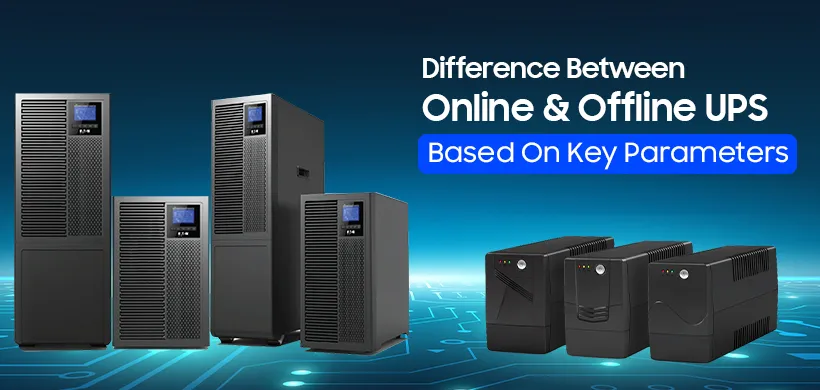
Now that you know the pros and cons of offline and online UPS systems, let's compare them across different parameters. Understanding the difference between online UPS and offline UPS through these specific factors helps you make the right choice for your situation and budget.
Efficiency
Online models consume more power during normal operation because they constantly run through double conversion processes. Offline units stay more energy efficient by drawing minimal power until a power outage occurs, making them economical for daily use.
Double Conversion
Online UPS uses continuous double conversion technology, changing AC to DC and back to AC for consistently clean power delivery. Offline models skip this process during normal conditions and only convert power when switching to UPS battery mode during emergencies.
Battery Backup Time
Both types offer similar backup duration depending on battery capacity and the total connected load. The actual runtime depends on how many devices you connect to your UPS for PC setup and their power consumption.
Protection Features
Online systems protect against brownouts, surges, sags, and all power disturbances continuously without interruption. Offline units provide basic electricity backup but offer limited protection against voltage variations during normal power conditions.
Transfer Time
The online UPS vs offline UPS transfer time is explained simply here. Online models have zero transfer time because your devices always run on battery power through continuous conversion. Offline units take 5-10 milliseconds to detect the outage and switch from mains power to battery mode. While this delay seems tiny, it can cause problems for sensitive equipment like servers or medical devices that need instant protection. For regular desktop computers and home appliances, this brief switching time causes no harm or data loss.
In Terms of Upfront Cost
The online vs offline UPS cost difference is significant and worth considering. Offline models cost 30-50% less than online units with similar capacity, making them budget-friendly options.
Maintenance Attention
Online UPS requires more frequent battery health checks and shorter charging time cycles due to constant use and wear. Offline systems need less maintenance since batteries activate only during outages, extending their overall lifespan.
Online vs Offline UPS Feature Comparison Table
A quick comparison table makes the online UPS vs. offline UPS difference easier to understand at a glance. This side-by-side view shows how each type performs across important factors. Use this table to identify which type of UPS matches your requirements.
| Feature | Online UPS | Offline UPS |
|---|---|---|
| Transfer Time | Zero (0ms) | 5-10 milliseconds |
| Power Conversion | Continuous double conversion | Only during power failure |
| Efficiency | Lower (85-95%) | Higher (95-99%) |
| Protection Level | Complete protection from all power issues | Basic protection from outages |
| Cost | Higher (30-50% more expensive) | Lower (budget-friendly) |
| Maintenance | Frequent battery checks needed | Minimal maintenance required |
| Battery Life | Shorter due to constant use | Longer due to standby mode |
| Noise Level | Higher (continuous operation) | Lower (quiet during normal power) |
| Energy Consumption | Higher electricity bills | Lower electricity bills |
| Best For | Servers, data centers, sensitive equipment | Home PCs, routers, basic office devices |
| Voltage Regulation | Excellent continuous regulation | Limited regulation |
| Heat Generation | More heat produced | Less heat produced |
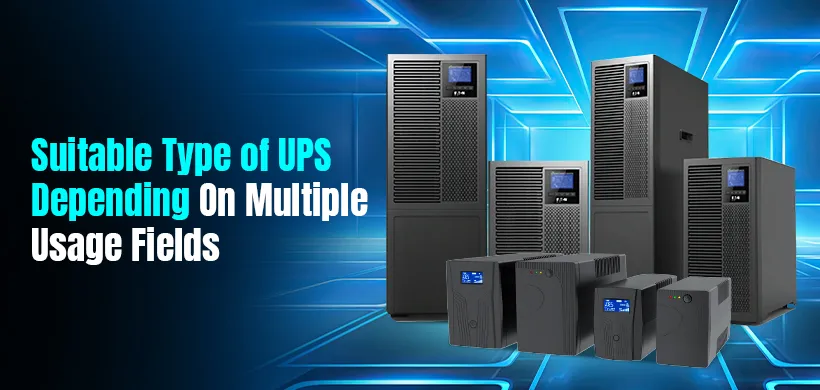
Suitable Type of UPS Depending On Multiple Usage Fields
The comparison table shows clear differences, but choosing between the functions and uses of different UPS types depends on your specific use case. Different users need different protection levels based on their equipment sensitivity and budget constraints.
Servers & Data Centers
IT managers and data center operators must choose online UPS for maximum protection. Zero transfer time prevents data corruption and keeps server operations running smoothly during a power failure without any interruption.
Home Usage & Appliances Safety
Home PC users can save money since an offline UPS is enough for desktop PCs at home, along with basic appliances like smart TVs. The best UPS in BD for home PC setups includes affordable offline models that handle brief switching delays.
Gaming PC
Serious gamers using PlayStation, Xbox, or high-end gaming PC setups should consider online models while comparing online UPS vs offline UPS. These systems prevent sudden shutdowns during intense gaming sessions and protect expensive graphics cards from power fluctuations.
Small Businesses
Small business owners and shop owners need reliable backup for POS printers, computers, and printers. Offline UPS models provide adequate backup time and surge protection for daily operations at reasonable costs.
Hospitals & Clinics
Medical facilities require online UPS for life-saving equipment and patient monitoring systems. Continuous power supply ensures critical devices never experience even a millisecond interruptions during emergencies.
Diagnostic Centers & Labs
Laboratory equipment and diagnostic machines need stable power without fluctuations. Online UPS models protect sensitive testing equipment and prevent sample damage or result errors caused by power variations.
Educational Institutes
Schools and training centers can use offline models for computer labs and projectors. Freelancers working from educational spaces benefit from PC UPS protection for their work devices.
Security & Surveillance
CC camera systems, ONU devices, and monitoring equipment need constant uptime. The budget-friendly mini UPS for WiFi routers works well, but online models ensure security systems never go offline during power cuts.
Line Interactive vs Offline vs Online UPS Explained
Beyond the usage fields we discussed, here's a bonus section of our online UPS vs offline UPS article, which is about the third type you might encounter when researching types of UPS systems. Line interactive UPS sits between offline and online models, offering a middle-ground solution. This type includes an automatic voltage regulator that adjusts minor voltage fluctuations without switching to battery power.
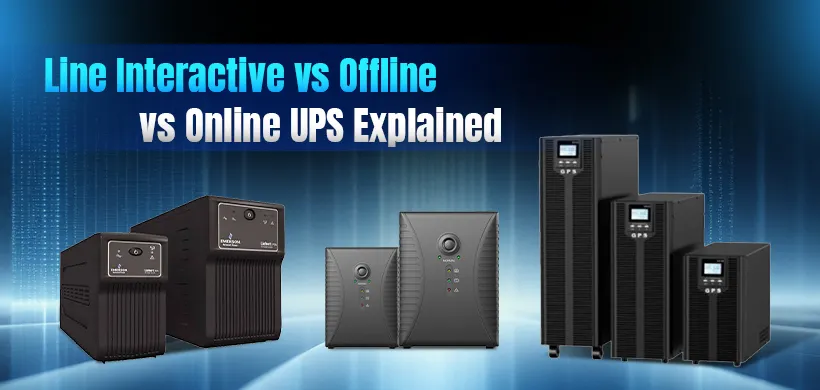
The difference between offline and online UPS becomes clearer when you add line-interactive models to the comparison. They cost more than offline units but less than online systems, making them suitable for areas with frequent voltage problems but a stable power supply.
Final Thoughts: Online or Offline UPS?
This online UPS vs. offline UPS blog covers everything you need to make an informed decision about electricity protection. We explored how each system works, compared their features, discussed advantages and disadvantages, and identified which type suits different users and applications. Online UPS models are worth the extra cost if you run servers, medical equipment, or gaming setups that cannot tolerate any power interruption. For basic home and office use, offline models provide reliable protection at budget-friendly prices.
Choose reliable offline UPS models from the Power Guard, Apollo, and Prolink brands, and similarly, Vertiv and EnSmart for online UPS models available for your computer UPS needs. When searching for a trusted UPS store near me in Bangladesh, Star Tech offers genuine offline UPS and online UPS from all major brands, whether you need UPS online or offline, ensuring you get authentic devices with proper warranty and after-sales support.
Frequently Asked Questions (FAQS)
What is the purpose of online UPS?
Online UPS provides continuous, clean power with zero transfer time by constantly converting AC to DC and back to AC. In an online UPS vs offline UPS comparison, online models suit servers, medical devices, and systems requiring instant protection.
What is the difference between online UPS and offline UPS?
Online UPS runs devices continuously through the battery with zero switching time. Offline UPS activates in 5-10 milliseconds during outages. The online UPS vs offline UPS difference includes cost (online costs 30-50% more), efficiency (offline uses less power), and protection (online protects continuously).
Which UPS is better for my desktop PC?
Offline UPS works best for desktop PCs. Computers handle the brief switching delay without issues. In the online UPS vs offline UPS choice for desktops, offline models provide adequate protection at a lower cost.
Is an online UPS worth the extra cost?
Online UPS is worth it for servers, data centers, medical equipment, and businesses where downtime causes losses. For basic home and office use, the online UPS vs offline UPS cost difference makes offline models more practical.
Can an offline UPS damage sensitive equipment during voltage spikes?
Offline UPS offers basic surge protection but limited voltage regulation. The switching delay in online UPS vs offline UPS transfer can expose sensitive equipment to brief fluctuations. Highly sensitive devices need online models for continuous protection.
Do gamers need an online UPS or will offline work?
High-end gamers benefit from online UPS to prevent shutdowns and protect expensive components. Casual gamers can use offline models. In the online UPS vs offline UPS choice for gaming, online eliminates interruption risks during competitive play.

Comments
There are no comments for this Article.