search
shopping_basket0
card_giftcard
Offers
Latest Offers
flash_on
Happy Hour
Special Deals
important_devices
PC Builder
library_add
Latest Offers
Special Deals
Compare Product
closeYOUR CART
close| Price | 14,500৳ |
| Regular Price | 15,730৳ |
| Status | In Stock |
| Product Code | 46167 |
| Brand | Logitech |
| Main Features | ||
| Number of Keys | Number of Buttons: 8 Scroll Wheel: Yes, MagSpeed wheel with smart shift Horizontal scroll: Yes Thumb wheel: Yes, same as horizontal scroll Gesture button: Yes Customization app: Yes, Options + and basic support in Tune |
|
| Connection Type | Connection Type: Wireless Wireless technology: Bluetooth Low Energy Wireless range: 10 m Bluetooth Low Energy (BLE): 5.1 |
|
| Optical Sensor | Sensor Technology: Darkfield high precision Nominal value: 1000 |
|
| Resolution | DPI (Minimal and maximal value): 200-8000 (can be set in increments of 50 DPI) | |
| Physical Specifications | ||
| Color | Graphite: 910-007562 Pale Gray: 910-007563 |
|
| Dimension | Height: 128.15 mm Width: 88.35 mm Depth: 50.8 mm |
|
| Weight | 150 g |
|
| Battery Life | Battery type: Rechargeable 650 mAh Battery life: 70 days |
|
| Warranty Information | ||
| Warranty | 01-Year | |
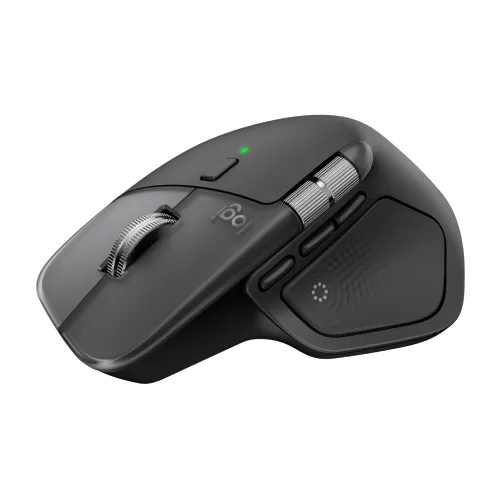
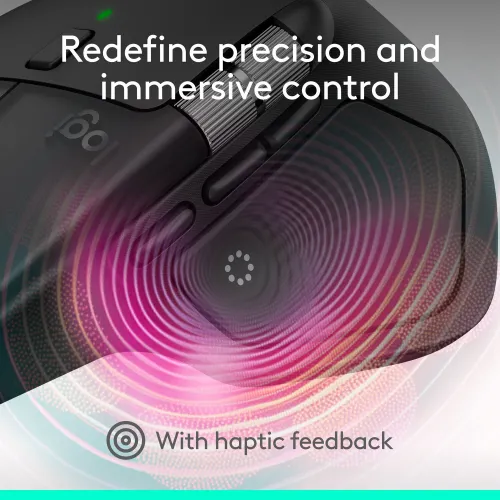
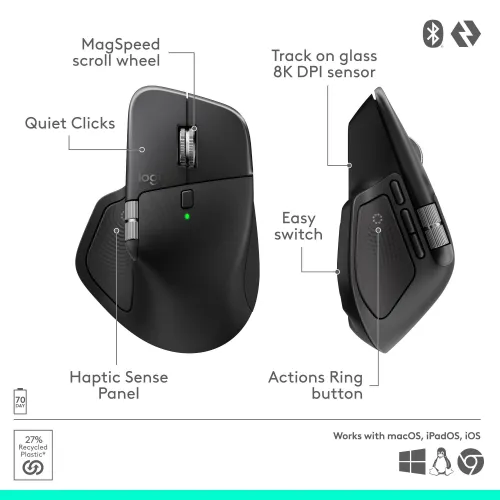
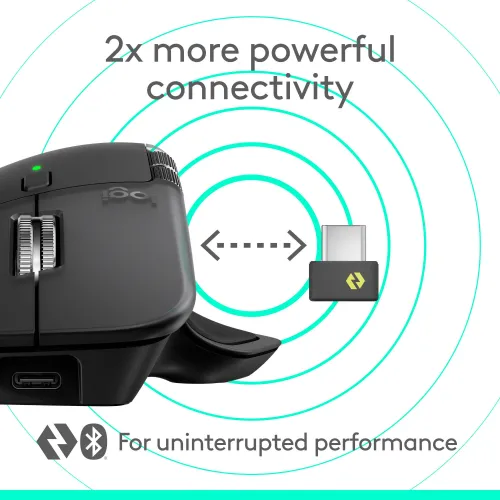
The Logitech MX Master 4 Wireless Mouse is a high-end productivity tool built for professionals with precision, speed, and smooth control. The Logitech Wireless Mouse is equipped with both 2.4 GHz RF and Bluetooth LE connectivity, ensuring smooth and stable wireless performance across devices. Another notable feature of the Logitech MX Master 4 Wireless Mouse is the Haptic Sense Panel and Action Ring shortcuts, which provide tactile feedback for better control.
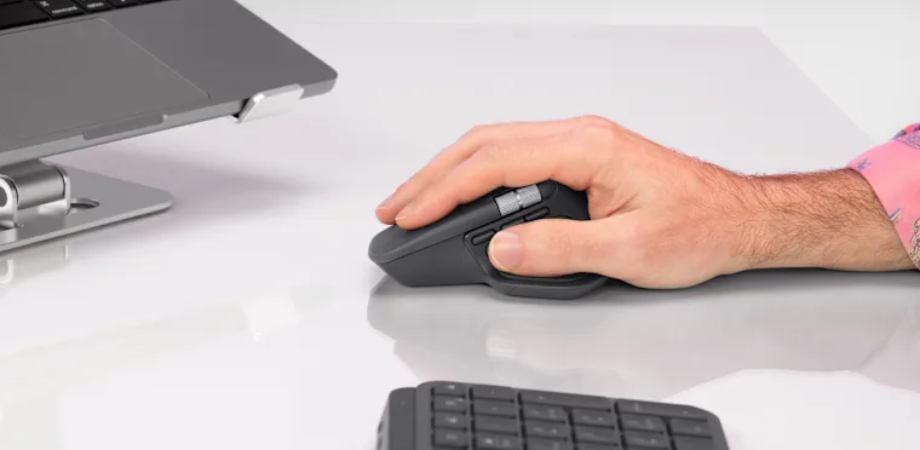
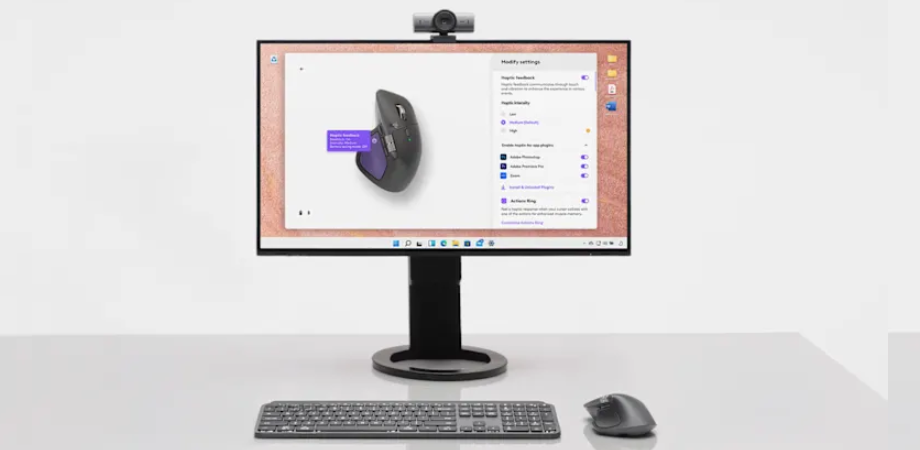
Keep your workflow going with the Logitech MX Master 4 Wireless Mouse's Actions Ring, which places your preferred tools, shortcuts, and actions directly at your cursor. Save up to 63% on mouse movements and avoid all menu hunting. To make the Actions Ring work for you, use Logi Options+ to customize shortcuts and download plugins for third-party apps.
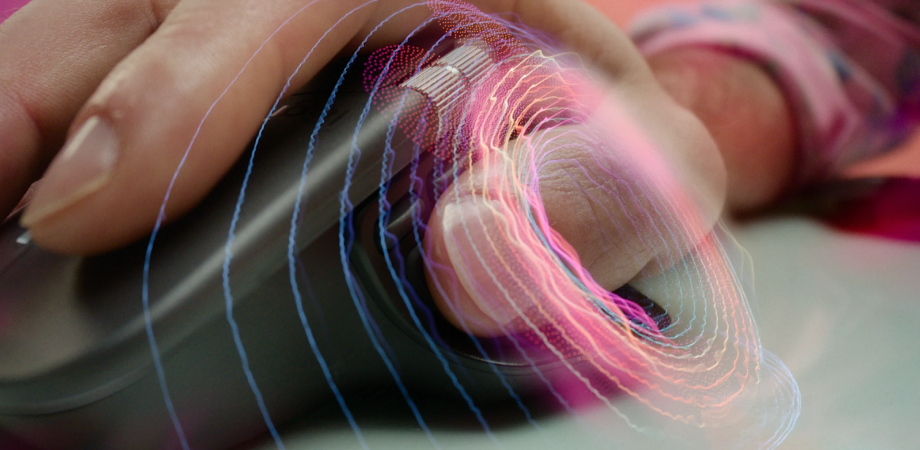
With an 8,000 DPI sensor, you can track precisely on almost any surface, including glass. With a sensor five times more accurate than a standard mouse, the Logitech MX Master 4 Mouse offers quick, pixel-perfect control for large screens and concentrated work processes.
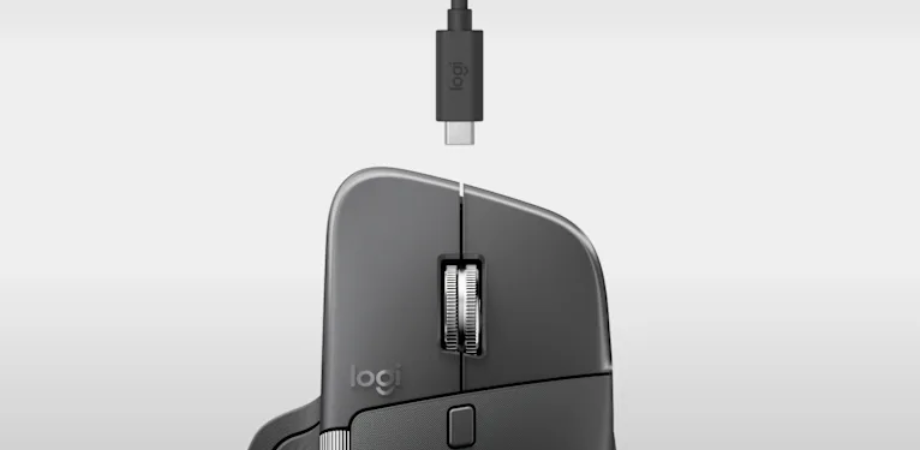
Just plug it in and get to work, no awkward breaks, just smooth productivity. With the Logitech MX Master 4, the Type-C quick charging allows it to run for up to 70 days on a full charge and for three hours on a quick charge of only one minute.
In Bangladesh, you can get the original Logitech MX Master 4 Wireless Mouse from Star Tech. We have a large collection of the latest Logitech Mouse to purchase for your Desktop PC. Order Online Or Visit your Nearest Star Tech Shop to get yours at the lowest price. The Logitech MX Master 4 Wireless Mouse comes with a 01-Year warranty.
Q: What is the Logitech MX Master 4 used for?
A: The Logitech MX Master 4 is for professionals, designers, and office users who want precise control, ergonomic comfort, and multi-device connectivity.
Q: What are the key features of the MX Master 4?
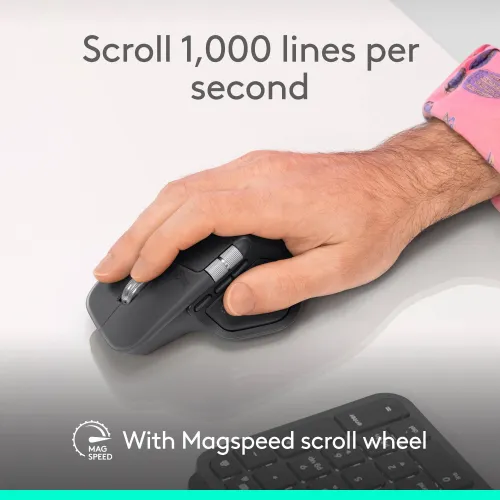
A: The MX Master 4 features an ultra-fast MagSpeed scroll wheel, Darkfield 8000 DPI sensor, Bluetooth & Logi Bolt wireless connectivity, multi-device pairing (up to 3 devices), and a built-in rechargeable battery that lasts up to 70 days. It also supports gesture controls and haptic feedback for enhanced workflow efficiency.
Q: Is the Logitech MX Master 4 good for gaming?
A: The Logitech MX Master 4 is not designed for gaming. Its 125Hz polling rate is perfect for productivity tasks.
Q: Does the MX Master 4 work on glass surfaces?
A: Yes, with its Darkfield high-precision sensor, the MX Master 4 can track accurately on almost any surface, including glass and glossy desks.
Q: How many devices can the MX Master 4 connect to?
A: You can pair and switch between three devices simultaneously using Bluetooth or the Logi Bolt receiver. You can easily toggle between devices with the Easy-Switch button.
Q: How long does the battery last, and how do I charge it?
A: The Logitech MX Master 4 has a built-in rechargeable battery that lasts up to 70 days on a full charge. It charges via a Type-C cable, and a one-minute quick charge can give you up to three hours of use.
Q: What is the difference between MX Master 3 and MX Master 4?
A: The Logitech MX Master 4 introduces haptic feedback, a refined Action Ring control system, Type-C Logi Bolt receiver, and improved ergonomics compared to the MX Master 3. It also features smoother scrolling and faster gesture customization through the Logi Options+ software.
Q: Is the MX Master 4 compatible with Mac and Windows?
A: Yes, it works perfectly with Windows, macOS, Linux, and ChromeOS.
Q: Can I use the MX Master 4 while charging?
A: Yes. You can continue using the Logitech MX Master 4 Mouse even when it’s charging via Type-C.
Q: Is the Logitech MX Master 4 comfortable for long use?
A: Absolutely. The MX Master 4 is ergonomically sculpted to support your hand and wrist, with a thumb rest and soft-grip texture that reduces fatigue during extended work sessions.
Q: Does it support customization?
A: Yes, you can use Logi Options+ software to customize button functions, adjust DPI sensitivity, create application-specific profiles, and configure gesture commands.
The latest price of Logitech MX Master 4 Mouse in Bangladesh is 14,500৳. You can buy the Logitech MX Master 4 Mouse at best price from our website or visit any of our showrooms.
Have question about this product? Get specific details about this product from expert.
A: Yes, please use Logi Options+ software for personalized button shortcuts.
A: The Logitech MX Master 4 Mouse is slightly heavier (around 150g), which gives it a solid, steady feel, especially for precision work.
A: Yes, totally. The Logitech MX Master 4 Mouse's shape is ergonomically sculpted to support your palm and thumb naturally. The wrist strain is reduced a lot compared to flat or compact mice.
A: Yes, the Logitech MX Master 4 Mouse comes with a Darkfield high-precision sensor that works flawlessly even on glass or glossy surfaces.
A: Absolutely! The MX Master 4 is made for creative professionals. The MagSpeed scroll wheel lets you move through long design timelines smoothly, while the thumb wheel gives you precise horizontal control perfect for Adobe Illustrator or Photoshop. Plus, you can customize every button for your most-used shortcuts. It genuinely speeds up your workflow.
Get specific details about this product from customers who own it.
Very comfy and precise mouse with smooth scrolling and long battery life. Connects easily to 3 devices via Bluetooth or Bolt. Great for professional work and daily use
I love the productivity features, custom buttons, switching between laptop and desktop, the precision sensor works even on my glass desk. I tried it for some light gaming but noticed it wasn’t as snappy as my dedicated gaming mouse, likely because of the polling rate and weight. So if you’re gaming hardcore, keep that in mind.
I use my computer 12-14 hours a day and often find my wrist tiring with my previous flat mouse. With the MX Master 4, the wrist rest and shape make a noticeable difference. The scroll wheel is silky smooth, and the thumb wheel is a big bonus. Thanks Star Tech, for fast delivery.
Logitech MX Master 4's ergonomics are fantastic. Sculpted build fits my hand nicely, and the materials feel much better than my previous mouse. I appreciate the new Action Ring shortcuts.
I switched from a standard mouse to this MX Master 4, and wow, the horizontal thumb-wheel and dedicated gesture buttons changed how quickly I move between Excel, Photoshop, and browser tabs. The haptic feedback (small vibration when I switch computers) adds a polished feel to every click.