
Save: 3,600৳
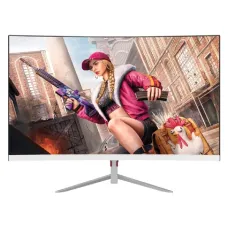
PC Power PCG24F180CW 23.8" FHD 180Hz 1ms VA Gaming Curved Monitor
- Resolution: FHD (1920×1080)
- Display: VA, 180Hz, 1ms with OD
- Ports: 1x HDMI, 1x DisplayPort, 1x USB,
- Features: 120% sRGB Color Gamut, G-Sync
15,100৳ 18,700৳
shopping_cart Buy Now
library_addAdd to Compare
Save: 601৳
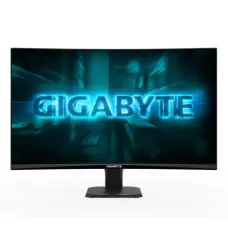
Gigabyte GS27FC2 27" 240Hz 1ms FHD VA Curved Gaming Monitor
- Resolution: FHD (1920 x 1080)
- Display: VA, 240Hz, 1ms GTG
- Ports: 2 x HDMI 2.0, 1 x DP 1.4, 1 x Earphone Jack
- Features: HDR 10, Adaptive-Sync, Flicker-Free, Low Blue Light
25,899৳ 26,500৳
shopping_cart Buy Now
library_addAdd to Compare
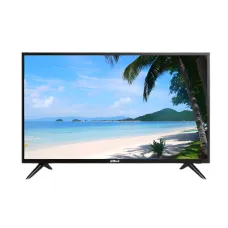
Dahua LM32-F200 31.5" FHD VA Monitor
- Display: 31.5 inch VA, 60Hz, 240 cd/m² (Max)
- Resolution: FHD (1920x1080), 8 ms
- Ports: 1 × HDMI 1.4, 1 × VGA, 1 × Audio out
- Features: 68% NTSC, VESA Mount, Built in Speaker
31,000৳
shopping_cart Buy Now
library_addAdd to Compare
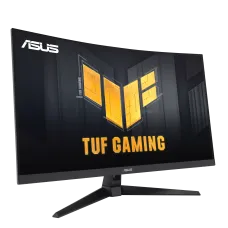
Asus TUF Gaming VG32VQM5B 31.5" 250Hz 0.5ms FHD Fast VA Curved Monitor
- Resolution: Full HD (1920 x 1080)
- Display: Fast VA, 250Hz (OC), 0.5ms (GTG)
- Ports: 1x DisplayPort 1.2, 2x HDMI(v2.0), 1x Earphone Jack
- Features: Built-in Speaker, Adaptive-Sync, Flicker Free, Low Blue Light
38,300৳
shopping_cart Buy Now
library_addAdd to Compare
Save: 1,501৳
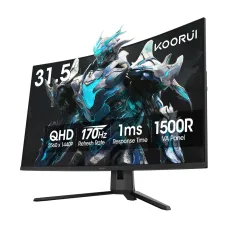
KOORUI G3221SC 31.5" 170Hz 2K QHD VA Curved Gaming Monitor
- Resolution: 2K QHD (2560 x 1440)
- Display: VA, 170Hz, 1ms (GTG), R1500 Curvature
- Ports: 2x HDMI 2.0, 1x DisplayPort 1.4, 1x Audio Out
- Features: Adaptive-Sync, Flicker Free, Low Blue Light
36,999৳ 38,500৳
shopping_cart Buy Now
library_addAdd to Compare
Save: 1,901৳
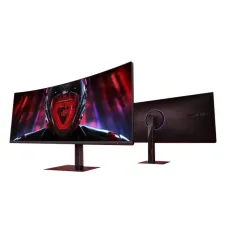
Xiaomi Redmi G34WQ 34 Inch 180 Hz Curved Gaming Monitor
- Resolution: UWQHD (3440 x 1440)
- Display: VA, 180Hz, 1ms MPRT
- Ports: 2x HDMI2.0, 2x DP1.4
- Features: AMD FreeSync, Low Blue Light, 1500R Curvature
37,599৳ 39,500৳
shopping_cart Buy Now
library_addAdd to Compare
Save: 1,901৳
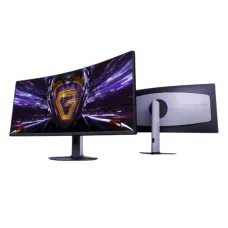
Xiaomi Redmi G34WQ 2026 34" UWQHD 180Hz 1ms VA Curved Gaming Monitor
- Resolution: UWQHD (3440 x 1440)
- Display: VA, 180Hz, 1ms GTG
- Ports: 2x HDMI2.0, 2x DP1.4
- Features: AMD FreeSync Premium, 1500R Curvature
37,599৳ 39,500৳
shopping_cart Buy Now
library_addAdd to Compare
Save: -500৳
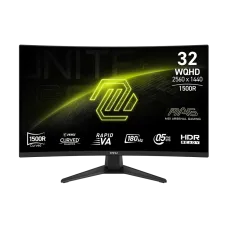
MSI MAG 321CQF E18 32" WQHD 180Hz Rapid VA Curve Gaming Monitor
- Resolution: 2560 x 1440 (WQHD)
- Display: Rapid VA, 180Hz, 0.5ms (GTG)
- Ports: 2 x HDMI2.0b, 1 x Display Port1.4a, 1x Headphone
- Features: HDR Ready, AMD FreeSync
43,000৳ 42,500৳
shopping_cart Buy Now
library_addAdd to Compare
Save: 9,500৳
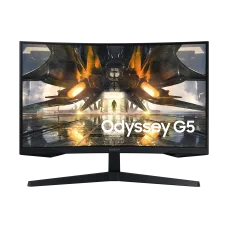
Samsung ODYSSEY G5 LS27CG550EWX 27" 165Hz QHD Curved Gaming Monitor
- Resolution: QHD (2,560 x 1,440)
- Display: VA, 165Hz, 1ms(MPRT)
- Ports: 1x HDMI2.0, 1x DP1.4
- Features: AMD FreeSync, Flicker Free
33,500৳ 43,000৳
shopping_cart Buy Now
library_addAdd to Compare
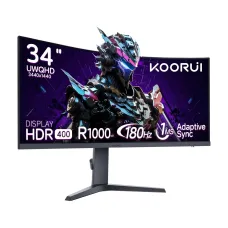
KOORUI 34E6UC 34" 180Hz WQHD VA Curved Gaming Monitor
- Resolution: WQHD (3440 x 1440)
- Display: VA, 180Hz, 1ms (MPRT), OD (8,4ms)
- Ports: 2x HDMI 2.0, 1x DisplayPort 1.4, 1x Audio Out
- Features: Adaptive Sync, HDR400, 1000R Curvature
44,500৳
shopping_cart Buy Now
library_addAdd to Compare
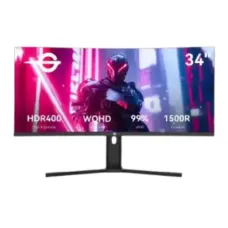
Titan Army C34A1R 34" WQHD 165Hz VA Curved Gaming Monitor
- Resolution: 3440x1440 WQHD
- Display: VA, 165Hz, 1ms
- Ports: DP×2, HDMI×2, 3.5mm x1
- Features: Flicker Free, Low Blue Light, Adaptive Sync
45,000৳
shopping_cart Buy Now
library_addAdd to Compare
Samsung ODYSSEY G5 LS32CG550EWX 32" 165Hz QHD Curved Gaming Monitor
- Resolution: QHD (2,560 x 1,440)
- Display: VA, 165Hz, 1ms(MPRT)
- Ports: 1x HDMI2.0, 1x DP1.4
- Features: AMD FreeSync, Flicker Free
47,000৳
shopping_cart Buy Now
library_addAdd to Compare
Save: 2,500৳

GIGABYTE G34WQC2 34" 200Hz WQHD VA Ultra Wide Curved Gaming Monitor
- Resolution: WQHD (3440 x 1440)
- Display: VA, 200Hz, 1ms MPRT
- Ports: 2xHDMI, 2xDP, 1x Audio Jack
- Features: Free Sync, Flicker Free, Low Blue Light
53,500৳ 56,000৳
shopping_cart Buy Now
library_addAdd to Compare
Save: 3,000৳
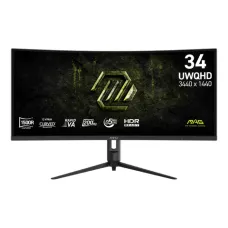
MSI MAG 342CQRF E20 34" UWQHD 200Hz VA Curved Gaming Monitor
- Resolution: UWQHD (3440 x 1440)
- Display: VA, 200Hz, 0.5ms (GTG)
- Ports: 1 x DisplayPort, 2 x HDMI, 1x Headphone out
- Features: Adaptive-Sync, Anti-Flicker, HDR, RGB Light
59,000৳ 62,000৳
shopping_cart Buy Now
library_addAdd to Compare
Save: 2,000৳
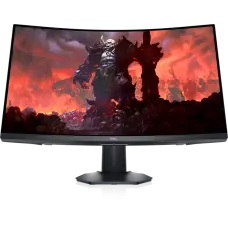
Dell S2722DGM 27 inch 165Hz QHD Curved Gaming Monitor
- Resolution: QHD (2560x1440)
- Display: VA, 165Hz, 1ms GTG MPRT
- Ports: 2x HDMI, 1x DP, Headphone Out
- Features: Free Sync, Flicker Free, low blue light
61,500৳ 63,500৳
shopping_cart Buy Now
library_addAdd to Compare
Save: 500৳
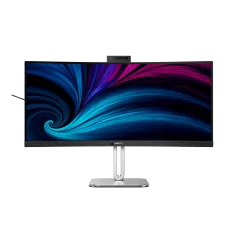
Philips 34B2U6603CH 34" 120Hz 2K QHD UltraWide Curved Monitor
- Resolution: 2K QHD (3440 x 1440) Ultra Wide
- Display: VA, 120Hz, 4ms (GTG)
- Ports: 2x HDMI 2.0, 1x DP 1.4, 3x Thunderbolt 4 USB
- Features: VESA HDR 400, Built-in webcam, Built-in Speakers
96,000৳ 96,500৳
shopping_cart Buy Now
library_addAdd to Compare
Save: 4,000৳
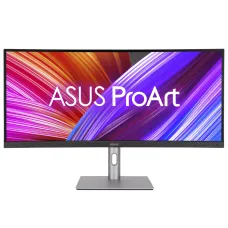
ASUS ProArt PA34VCNV 34'' 1440P Ultrawide Curved Professional Monitor
- Resolution: (3440x1440)
- Display: IPS, 60Hz, 5ms (GTG)
- Ports: HDMI, DP, USB, USB Type-C
- Features: Adaptive Sync, Flicker Free, TÜV Low Blue Light
106,000৳ 110,000৳
shopping_cart Buy Now
library_addAdd to Compare
Save: 5,500৳
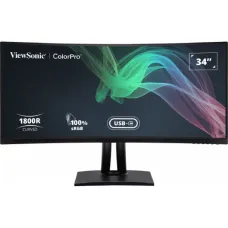
ViewSonic VP3481a ColorPro 34" UltraWide QHD Curved Monitor
- Resolution: UWQHD (3440 x 1440)
- Display: VA, 100Hz, 5ms
- Ports: 2x HDMI, 1 x DP, 2x USB-A, 1x USB-B, 1x Type-C
- Features: AMD FreeSync, Flicker Free, Low Blue Light, 1800R Curved
106,500৳ 112,000৳
shopping_cart Buy Now
library_addAdd to Compare
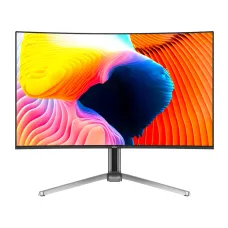
Dahua DHI-LM32-G043A 31.5" 165Hz 4K UHD QD-OLED Curved Gaming Monitor
- Resolution: 4K UHD (3840 x 2160)
- Display: QD-OLED, 165Hz, 0.03ms, 1700R Curvature
- Ports: 2 × HDMI 2.1, 1 × DP 1.4, 2 x USB, 1 x Type-C
- Features: Built in Speaker, 99% DCI-P3
150,000৳
shopping_cart Buy Now
library_addAdd to Compare
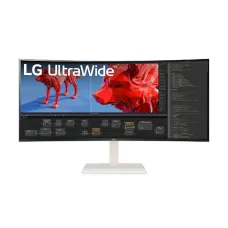
LG 38WR85QC-W 38" WQHD+ UltraWide 144Hz Curved Monitor
- Resolution: WQHD+(3840x1660)
- Display: Nano IPS, 144Hz, 1ms GtG
- Ports: 2x HDMI, 1xDP, 3x USB, Headphone Out
- Features: Reader Mode, Flicker Free
197,000৳
shopping_cart Buy Now
library_addAdd to Compare