
Save: 6,000৳
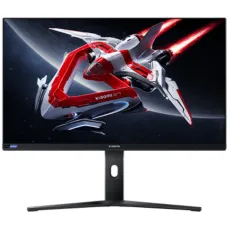
Xiaomi G Pro 27 QHD 2K 180Hz 27" Mini LED Gaming Monitor
- Resolution: 2K QHD (2560 x 1440)
- Display: IPS LCD, 180Hz, 1ms (Typ)
- Ports: 2x DP , 2x HDMI, 1x Audio Port
- Features: Free-Sync, Low Blue Light, HDR1000
39,000৳ 45,000৳
shopping_cart Buy Now
library_addAdd to Compare
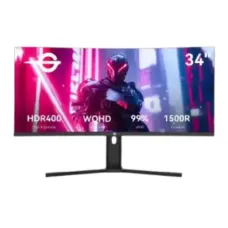
Titan Army C34A1R 34" WQHD 165Hz VA Curved Gaming Monitor
- Resolution: 3440x1440 WQHD
- Display: VA, 165Hz, 1ms
- Ports: DP×2, HDMI×2, 3.5mm x1
- Features: Flicker Free, Low Blue Light, Adaptive Sync
45,000৳
shopping_cart Buy Now
library_addAdd to Compare
Save: 500৳
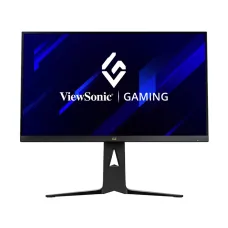
ViewSonic VX2766-2K-PRO-3 27" 260Hz QHD Fast IPS Gaming Monitor
- Resolution: QHD (2560×1440)
- Display: IPS, 260Hz, 1ms (GTG)
- Ports: 2 x HDMI, 1 x DisplayPort
- Features: Flicker Free, Low Blue Light, FreeSync
45,000৳ 45,500৳
shopping_cart Buy Now
library_addAdd to Compare
Save: 1,700৳
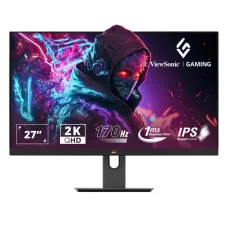
Viewsonic Omni VX2758A-2K-PRO-2 27" 170Hz 2K QHD IPS Gaming Monitor
- Resolution: 2K QHD (2560 x 1440)
- Display: IPS, 170Hz, 1ms (MPRT), 300 cd/m² (typ)
- Ports: 2x HDMI 2.0, 1x DisplayPort, 1x 3.5mm Audio Out
- Features: Flicker-Free, AMD FreeSync
44,500৳ 46,200৳
shopping_cart Buy Now
library_addAdd to Compare
Save: 1,000৳
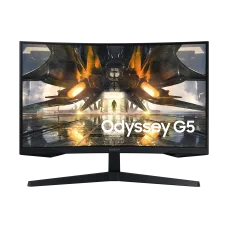
Samsung ODYSSEY G5 LS32CG550EWX 32" 165Hz QHD Curved Gaming Monitor
- Resolution: QHD (2,560 x 1,440)
- Display: VA, 165Hz, 1ms(MPRT)
- Ports: 1x HDMI2.0, 1x DP1.4
- Features: AMD FreeSync, Flicker Free
46,000৳ 47,000৳
shopping_cart Buy Now
library_addAdd to Compare
Save: 800৳
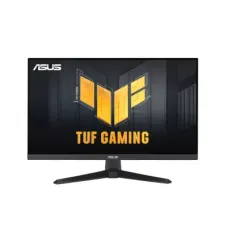
Asus TUF Gaming VG27AQM5A Series 5 27" QHD 300Hz Fast IPS Gaming Monitor
- Resolution: QHD (2560x1440)
- Display: Fast IPS, 300Hz, 1ms(GTG)
- Ports: HDMI 2.1 x 2, DP 1.4x 1, Earphone Jack, 1x USB 3.2
- Features: GameVisual, Low Blue Light, GameFast Technology
46,200৳ 47,000৳
shopping_cart Buy Now
library_addAdd to Compare
Save: 7,700৳
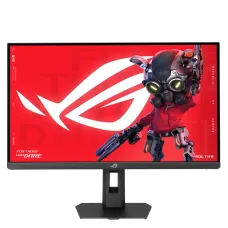
Asus ROG Strix XG27ACMES 27" 2K QHD 255Hz Fast IPS Gaming Monitor
- Resolution: 2K QHD (2560x1440)
- Display: Fast IPS, 255Hz OC (Above 144Hz), 0.3ms (min.)
- Ports: 1x DP 1.4 , 1x HDMI v2.1, 1x Type-C, 1 x Audio Jack
- Features: G-Sync, Low Blue Light, Flicker-Free, FreeSync Premium, Gaming AI
39,300৳ 47,000৳
shopping_cart Buy Now
library_addAdd to Compare
Save: 1,500৳
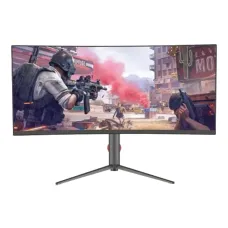
PC Power PCG34B180WQC 34" WQHD 180Hz VA Curved Gaming Monitor
- Resolution: WQHD (3440 × 1440)
- Display: VA, 180Hz, 1ms
- Ports: 1 x HDMI, 1 x Display Port, 1 x Type-C
- Features: Anti-Reflection, Adaptive-Sync, 120% sRGB
46,000৳ 47,500৳
shopping_cart Buy Now
library_addAdd to Compare
Save: 2,001৳
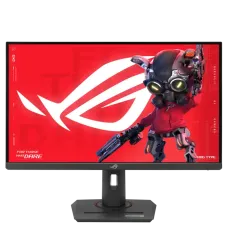
Asus ROG Strix XG27ACG 27" 180Hz Fast IPS WQHD Gaming Monitor
- Resolution: WQHD (2560x1440)
- Display: Fast IPS, 180Hz, 1ms GtG
- Ports: 1x DP, 1x HDMI, 1x Type-C, 1 x Audio Jack
- Features: G-Sync, Low Blue Light, Flicker-Free, Aura Sync
45,999৳ 48,000৳
shopping_cart Buy Now
library_addAdd to Compare
Save: 3,000৳
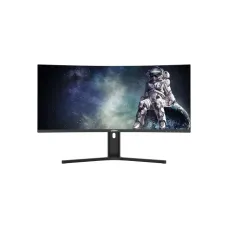
Dahua DHI-LM34-E330CA 34" WQHD 200hz Curved Gaming Monitor
- Resolution: WQHD (3440x1440)
- Display: VA, 200Hz, 1ms MPRT
- Ports: DP1.4×1,HDMI 2.0×1,Audio out×1
- Features: Adaptive-Sync Technology, 1500R exquisite curvature
46,500৳ 49,500৳
shopping_cart Buy Now
library_addAdd to Compare
Save: 1,700৳
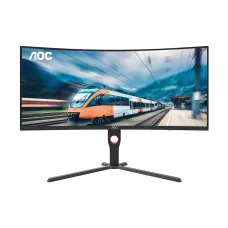
AOC CU34G3X 34" 180Hz VA WQHD Curved Ultrawide Gaming Monitor
- Resolution: 3K WQHD (3440x1440)
- Display: VA, 180Hz, 0.5ms
- Ports: 2x HDMI, 2x DisplayPort
- Features: Built-in Game Modes
49,000৳ 50,700৳
shopping_cart Buy Now
library_addAdd to Compare
Save: 5,000৳
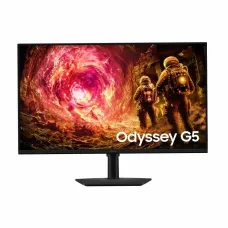
Samsung Odyssey G5 LS32FG502EW 32-Inch QHD 180Hz Gaming Monitor
- Resolution: QHD (2,560 x 1,440)
- Display: IPS, 180hz, 1ms(GTG)
- Ports: 1x HDMI, 1x DP
- Features: AMD FreeSync, Flicker Free
47,500৳ 52,500৳
shopping_cart Buy Now
library_addAdd to Compare
Save: 1,001৳
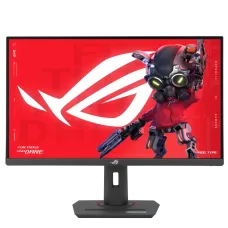
Asus ROG Strix XG27ACMS 27" 320Hz Fast IPS 2K QHD Gaming Monitor
- Resolution: 2K QHD (2560x1440)
- Display: Fast IPS, 320Hz OC (Above 144Hz), 1ms GtG
- Ports: 1x DP, 1x HDMI, 1x Type-C, 1 x Audio Jack
- Features: G-Sync, Low Blue Light, Flicker-Free, AMD FreeSync
52,999৳ 54,000৳
shopping_cart Buy Now
library_addAdd to Compare
Save: 4,600৳

BenQ EW2790U 27" 60Hz 4K IPS Monitor
- Resolution: 4K (3840x2160)
- Display: 27", IPS, 60Hz, 5ms (GtG)
- Ports: 3x HDMI 2.0, 3x USB A, 2x Type-C, Headphone Jack
- Features: In-built Speaker, Flicker-free, Low Blue Light
49,900৳ 54,500৳
shopping_cart Buy Now
library_addAdd to Compare
Save: 2,000৳
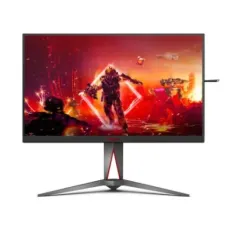
AOC AG275QZE 27" 260Hz 2K QHD IPS Gaming Monitor
- Resolution: 2K QHD (2560 × 1440)
- Display: IPS, 260Hz, 0.5ms
- Ports: 2x HDMI, 2x DisplayPort
- Features: Adaptive-Sync, Flicker Free
53,500৳ 55,500৳
shopping_cart Buy Now
library_addAdd to Compare
Save: 1,500৳

GIGABYTE G34WQC2 34" 200Hz WQHD VA Ultra Wide Curved Gaming Monitor
- Resolution: WQHD (3440 x 1440)
- Display: VA, 200Hz, 1ms MPRT
- Ports: 2xHDMI, 2xDP, 1x Audio Jack
- Features: Free Sync, Flicker Free, Low Blue Light
54,500৳ 56,000৳
shopping_cart Buy Now
library_addAdd to Compare
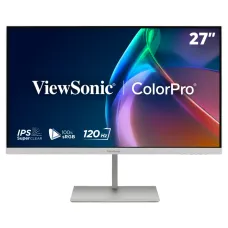
ViewSonic VP2766-2K-W 27" 120Hz 2K QHD Monitor
- Resolution: 2K QHD (2560 x 1440)
- Display: 27" IPS, 120Hz, 5ms (GTG)
- Ports: 1 x HDMI, 4x Type-C, 1 x Audio Jack 1xUSB-A
- Features: Dual 3W Speaker, 100% sRGB, Eye ProTech+, height adjustments
57,000৳
shopping_cart Buy Now
library_addAdd to Compare
Save: 2,000৳
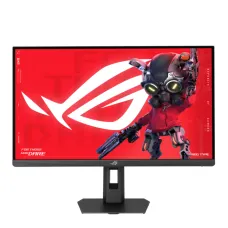
ASUS ROG Strix XG27ACMEG 27" 260Hz OC WQHD Fast IPS Gaming Monitor
- Resolution: WQHD (2560x1440)
- Display: Fast IPS, 260Hz OC (Above 144Hz), 0.3ms (min.)
- Ports: 1x DP, 1x HDMI, 1x Earphone Jack, 1x Type-C
- Features: Adaptive-Sync, Flicker-free, Aura Sync, Gaming AI
56,000৳ 58,000৳
shopping_cart Buy Now
library_addAdd to Compare
Save: 4,100৳
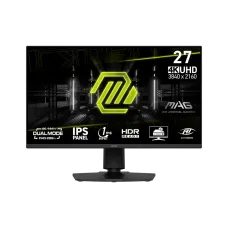
MSI MAG 275UPD E14 27" 288Hz Dual Mode 4K UHD Gaming Monitor
- Resolution: UHD (3840 x 2160)
- Display: IPS, 144Hz/288Hz, 1ms MPRT
- Ports: 2 x HDMI 2.1, 1x DisplayPort 1.4a, 1x Headphone
- Features: Adaptive-Sync, Anti-glare, Built in Speaker
55,900৳ 60,000৳
shopping_cart Buy Now
library_addAdd to Compare
Save: 1,500৳
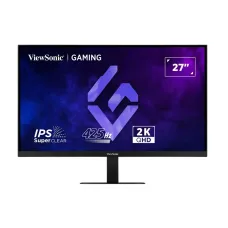
ViewSonic VX2757-2K-PRO-4 27" 425Hz 2K QHD IPS Gaming Monitor
- Resolution: QHD (2560 x 1440)
- Display: IPS, 425Hz, 1ms (MPRT), 400 cd/m² (typ)
- Ports: 2x HDMI 2.1, 2x DisplayPort, 1x 3.5mm Audio Out
- Features: Flicker-Free, G-Sync compatible, EyeProTech, HDR10
59,500৳ 61,000৳
shopping_cart Buy Now
library_addAdd to Compare